Home printers
Best Printer for Home Use: How to Choose the Right Type
Written by Printer Co editorial team · Updated
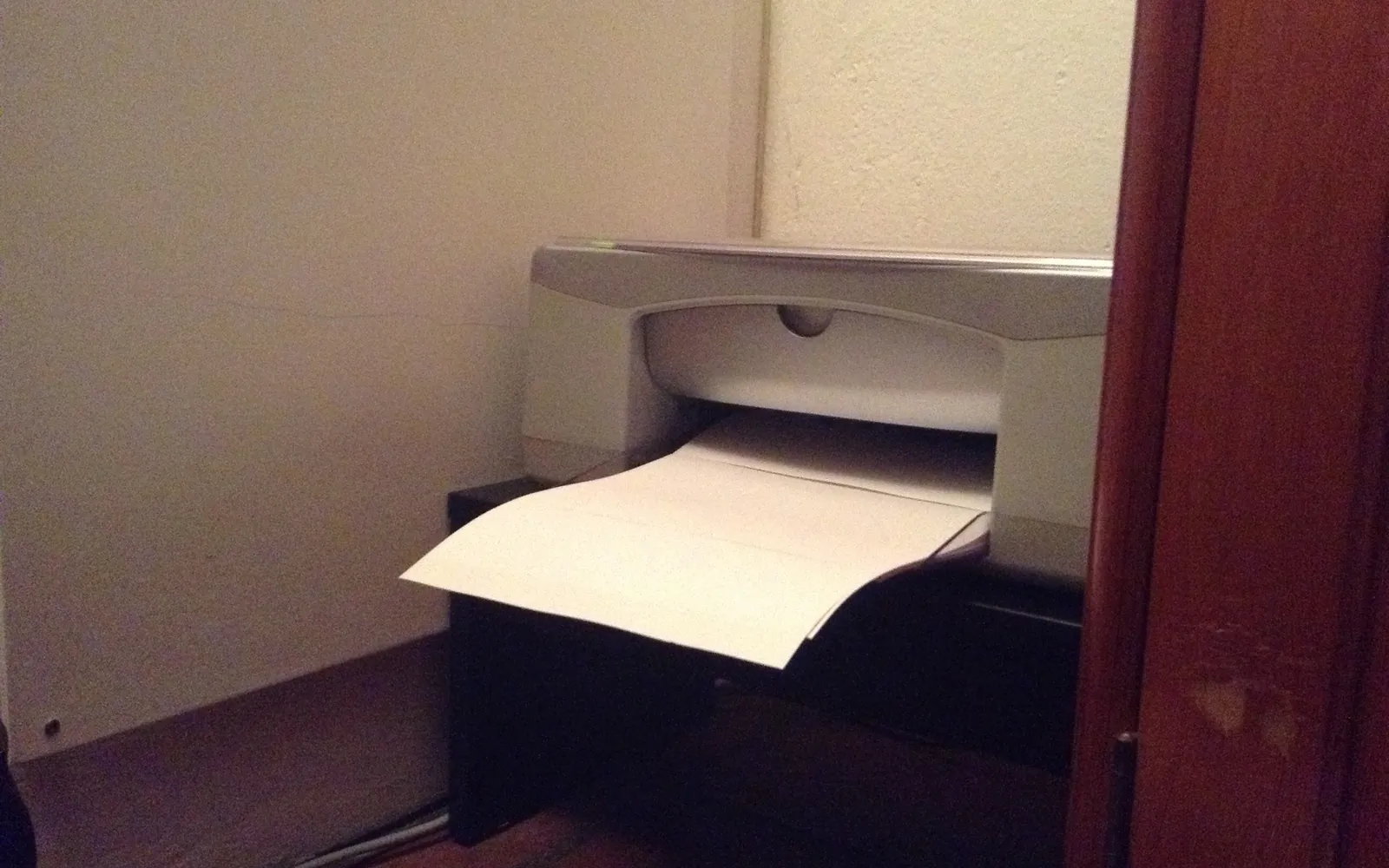
The best printer for home use is not a model name. It is the printer type that matches how your household actually prints. A family printing school worksheets in colour every week needs something very different from a person who prints a boarding pass twice a year. This guide walks you through the questions that decide it, so you can read any product listing and know quickly whether it fits.
We do not recommend specific models here, because models and prices change every few months and we would rather not repeat specifications from memory. What does not change is the logic below.
Step 1: Count your pages
Look back over a normal month. Count roughly how many pages you print and how many of them are in colour. Most homes fall into one of four groups:
| Your printing | Typical pattern | Type that usually fits |
|---|---|---|
| Occasional | A few pages a month, often in bursts | Cartridge inkjet or small mono laser |
| Mostly black text | Letters, forms, homework, recipes | Mono laser |
| Regular colour | School projects, crafts, colour documents every week | Ink tank inkjet |
| Photos | Prints you want to keep or frame | Photo-oriented inkjet, or a print lab |
If you print more than a few hundred pages a month you are close to small-office territory, and the trade-offs change.
Step 2: Decide how much colour you need
Colour is where costs climb. A mono laser prints only black, but it does that cheaply and reliably. An inkjet gives you colour, but every colour page uses ink from three or more reservoirs. If you can live without colour, or can send the odd colour job to a print shop, a mono laser is often the calm, cheap choice. Our laser vs inkjet comparison explains the differences in detail.
Step 3: Be honest about gaps between printing
Inkjet ink is liquid. If an inkjet sits unused for weeks, ink can dry in the tiny print head nozzles, which leads to streaks and to cleaning cycles that use up more ink. Toner is a dry powder and does not have that problem. If your printer will often sit idle for a month or more, that pushes you towards a laser. If you prefer an inkjet anyway, our guide to print head clogging shows how to keep it healthy.
Step 4: Compare running cost, not box price
Printer makers often sell the hardware at a low price and earn their money on ink. That is why printer ink is so expensive. To compare fairly:
- Find the official page yield for each cartridge or bottle. Reputable makers quote yields measured with ISO/IEC standards (ISO/IEC 24711 for inkjet cartridges).
- Divide the price of the cartridge by its yield to get a cost per page.
- Multiply by the pages you print in a year, then add the price of the printer.
We explain the method step by step in printer cost per page. For most households who print in colour regularly, the comparison ends with an ink tank or a cartridge printer, and the answer depends on volume.
Step 5: Check the features you will actually use
- Two-sided (duplex) printing. Automatic duplex saves paper and is worth having for homework and long documents.
- Phone printing. iPhones and iPads print through AirPrint. Many Android phones use Mopria. Check that the printer supports the system your family uses; see printing from an iPhone to a home printer.
- Scanner. A flatbed scanner on an all-in-one is handy for documents and old photos. A document feeder helps if you scan multi-page forms. If you are unsure you need one at all, see is an all-in-one printer worth it.
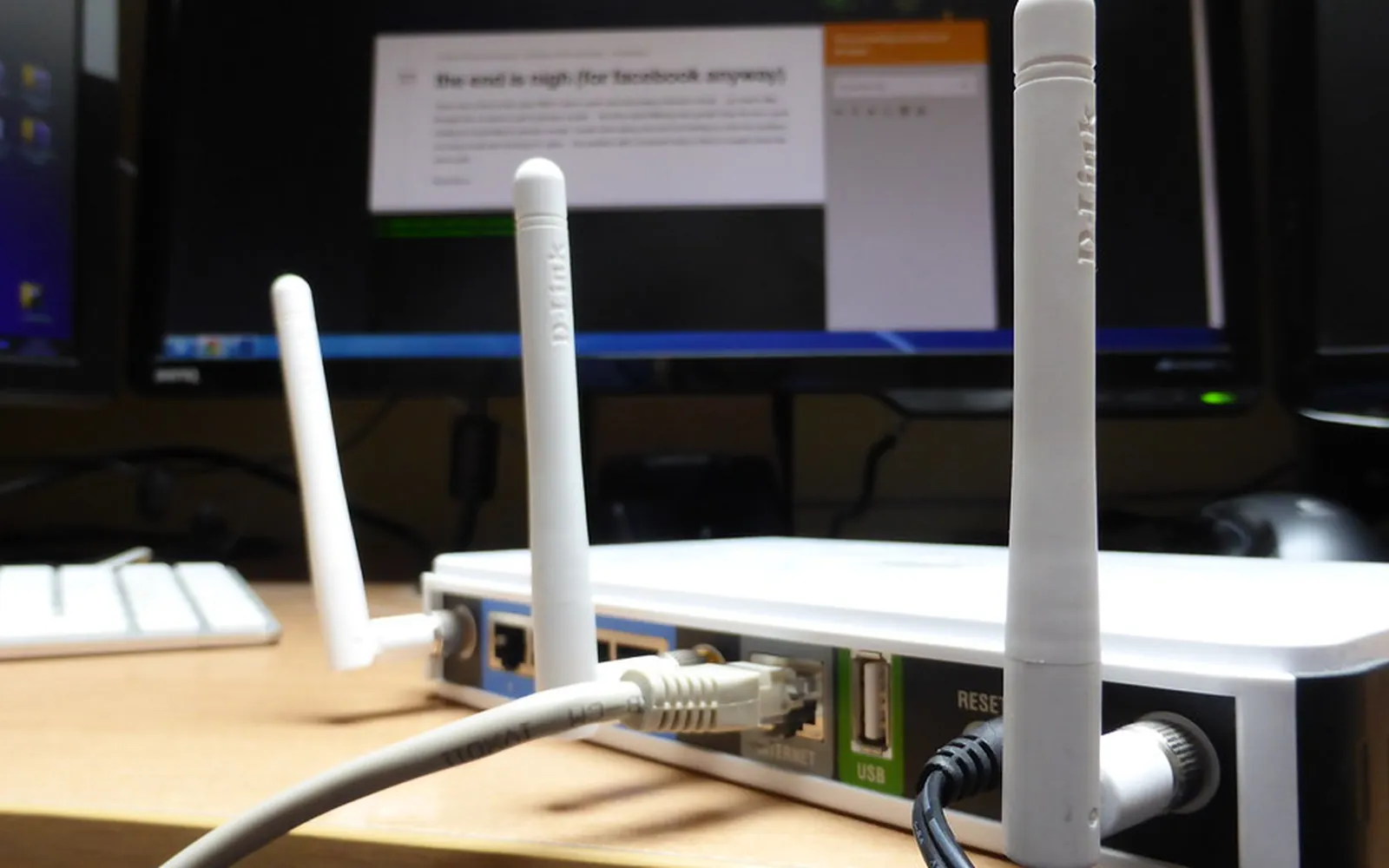
- Connection. Wi-Fi is convenient. USB is simpler and avoids network problems if the printer sits next to one computer. Check whether the printer supports the 5 GHz Wi-Fi band or only 2.4 GHz; many home routers broadcast both under one name, which can complicate setup. Our guide to connect a printer to Wi-Fi covers this.
- Paper handling. A rear or second tray helps if you print on card or photo paper. Check the heaviest paper each tray accepts and whether it takes the sizes you use (Letter, Legal or A4). For choosing paper, see the best paper for a home printer.
- Software. Modern Windows, macOS, iOS and Android can print to many printers without the maker’s software. See do I need printer drivers.
Step 6: Read the small print on ink
Before you buy, check three things about supplies:
- Does the printer accept third-party ink? Some printers use cartridge chips and firmware updates that can reject non-original cartridges. See our guide to third-party printer ink.
- Is it tied to a subscription? Some printers are sold cheaply on the condition that you join an ink plan. Read how ink subscriptions work first.
- What comes in the box? Starter cartridges are sometimes smaller than standard ones, which makes the first refill arrive sooner than you expect.
Matching common households to a printer type
A student or someone working from home who prints forms and the odd report. A mono laser handles this with very little fuss and tolerates long gaps. Add a phone scanning app if you need to send signed forms.
A family with children at school. Colour matters, volume can be high in term time, and the printer will sit idle in holidays. An ink tank inkjet keeps colour cheap; print a page every week or so to keep the nozzles clear.
Someone who prints photos for albums or frames. A photo-oriented inkjet with more ink colours gives the best results at home, but compare it with a print lab first. Our photo printing at home guide covers the trade-off.
Someone who prints almost nothing. Consider not buying a printer at all. Libraries, copy shops and some supermarkets print from a USB stick or email for a per-page fee, and you avoid dried ink entirely.
If you choose a laser: look at the drum too
On a laser printer, toner is not the only consumable. Many home lasers use a separate drum unit that outlasts several toner cartridges but eventually needs replacing; others build the drum into every toner cartridge. When comparing two lasers, add the drum’s cost per page to the toner’s. The two designs are explained in toner vs drum unit.
Where to buy, and what to check at the till
Online or in a shop, check these points before paying:
- The exact model code. Makers sell near-identical variants with different features in different countries and retailers.
- That supplies are easy to buy locally. Search for the cartridge or bottle code at two or three shops near you.
- Who provides the warranty: the maker, the retailer or an importer, and where repairs are done.
- What is in the box: many printers do not include a USB cable, and starter ink may be smaller than standard cartridges.
- The return policy, in case the printer does not work with your devices or network.
Energy and waste
A home printer spends most of its life switched on and idle. Models with an ENERGY STAR label meet efficiency criteria for sleep and standby power. Turning duplex on by default, printing drafts in black only and recycling empty cartridges all reduce waste; see eco-friendly printing at home and how to recycle ink cartridges.
A short checklist before you buy
- I know roughly how many pages I print each month, and how many in colour.
- I have calculated cost per page from official yields, not guessed from the box price.
- The printer works with the phones and computers in my home.
- I understand whether it accepts third-party ink and whether it needs a subscription.
- It has automatic two-sided printing, and a scanner if I need one.
Answer those honestly and the best printer for your home usually picks itself.
Frequently asked questions
What is the best type of printer for home use?
For most homes that print a little of everything, an inkjet is the most flexible. If you print colour every week, an ink tank inkjet usually has the lowest running cost. If you print mostly black text and sometimes go weeks without printing, a mono laser is the most reliable.
Is a laser or inkjet printer better for occasional use?
Laser printers cope better with long gaps because toner is a dry powder that cannot dry out. Inkjets can suffer from dried ink in the nozzles if they sit unused for weeks, and their cleaning cycles use ink.
Should I buy the cheapest printer?
Only if you print very little. The cheapest printers often use small cartridges with a high cost per page. Work out your yearly page count and compare total cost over three years.
Do I need an all-in-one printer?
If you ever need to scan or copy a document, an all-in-one saves a separate scanner. Many people now scan with a phone camera app, so if that is good enough for you, a print-only model is simpler.
What features matter most for a home printer?
Automatic two-sided printing, wireless printing that works with your phones, an affordable supply of ink or toner, and a scanner if you need one. Fast print speed and fax matter less at home.
Sources
Editorial team
The Printer Co editorial team researches and writes independent guides to home printers, ink and printing costs, using manufacturer documentation, standards bodies and consumer-protection sources.