Home printers
Do I Need a Printer at Home? A Practical Way to Decide
Written by Printer Co editorial team · Updated
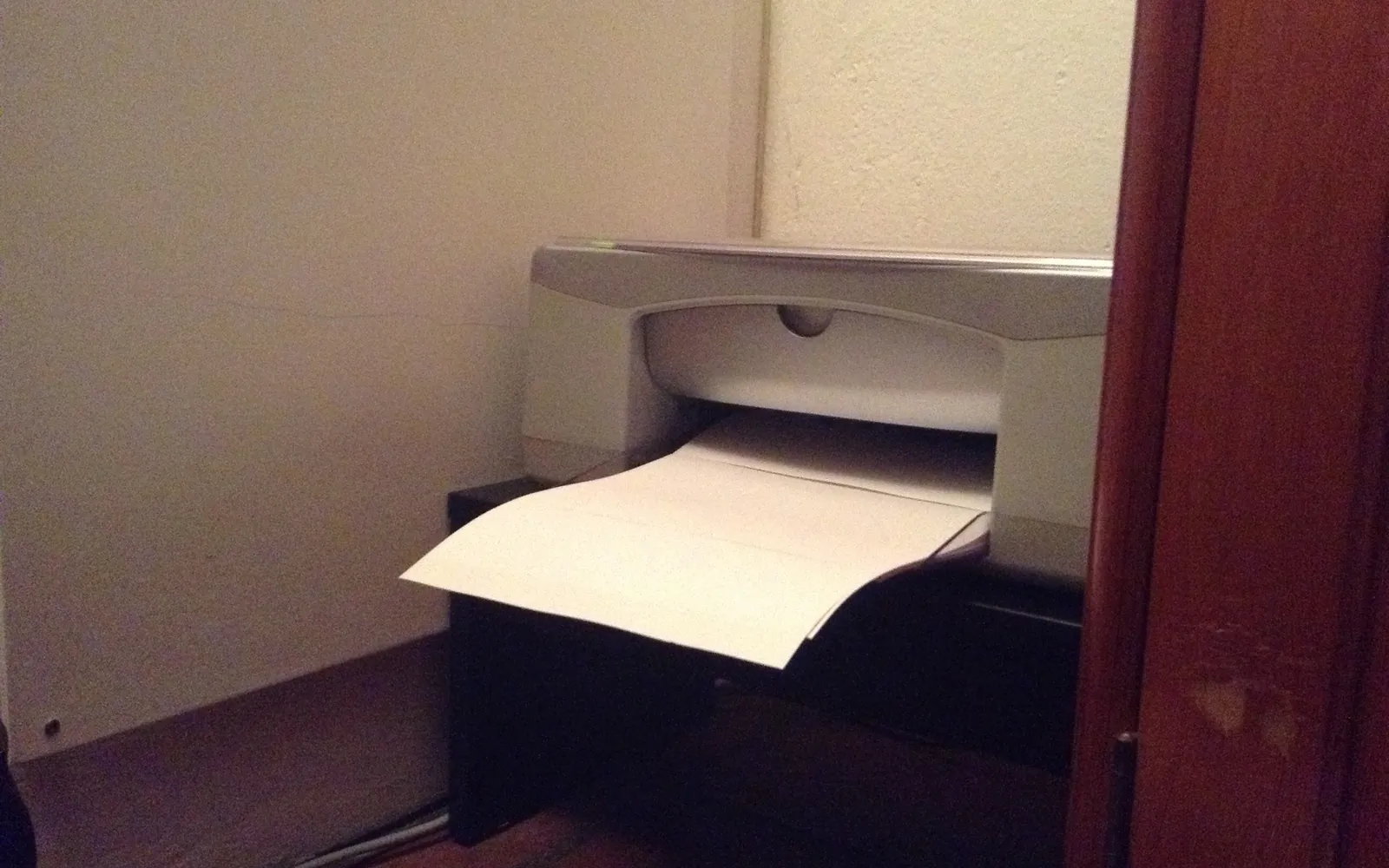
Do I need a printer at home? Ten years ago the answer was almost always yes. Today, boarding passes sit in phone wallets, forms are signed on screen and phones double as scanners, so plenty of households print a few pages a year and wonder why they keep a printer, and its cartridges, at all. Others print every week and could not manage without one. This guide gives you a practical way to decide, and what to buy if the answer is yes.
Start with what you actually printed
Guessing is unreliable, so look back. Over the last three months, roughly count:
- Pages printed, including anything printed at work, school or a shop.
- Urgent pages, the ones you needed within an hour (a form due today, a return label, homework at night).
- Private pages, such as tax documents, medical forms or contracts you would rather not send to a shop or someone else’s printer.
- Colour pages that genuinely needed colour.
Then use the pattern:
| Your three months | Likely answer |
|---|---|
| Almost nothing, nothing urgent | You probably do not need a printer |
| A few pages, sometimes urgent | A small, forgiving printer, or a nearby shop if you can wait |
| Weekly printing, mostly text | Yes; a compact laser is usually the best fit |
| Weekly printing with colour, school projects or photos | Yes; an inkjet, often an ink tank model |
What a phone already does
Before buying a printer for scanning, check what your phone can do:
- iPhone and iPad: Apple’s guide shows how to scan documents in the Notes app, and add signatures.
- Android: Google Drive can scan documents and save them as PDFs.
For most forms and receipts, a phone scan is perfectly good. A flatbed scanner still beats a phone for photographs, fragile originals and pages that must be perfectly flat and sharp. Our guide to how to scan documents at home compares both, and is an all-in-one printer worth it covers whether to pay for a scanner.
And many things no longer need paper at all: tickets and boarding passes in apps, e-signature for contracts, and PDFs instead of printed receipts. Saving as PDF instead of printing is often the right default; see how to print a web page without ads for the PDF trick.
The hidden cost of a printer you rarely use
The price of a printer is the obvious cost. The less obvious ones come from not using it:
- Ink spent on maintenance. Canon’s manual explains that ink is used not only for printing but also for cleaning the print head, and that the printer cleans its nozzles automatically to prevent clogging. That is normal, but on a printer that prints little, maintenance is a bigger share of the ink you buy.
- Dried or clogged ink. An inkjet left for weeks can clog and need extra cleaning cycles; see print head clogging and how long printer ink lasts.
- Standby power. Small, but constant. ENERGY STAR certified imaging equipment has to meet power management requirements; our page on how much electricity a printer uses puts the numbers in context.
- Space and setup. A printer that drops off the Wi-Fi every time the router restarts costs time, which is often what people mind most.
Alternatives to owning one
If your count says “rarely”, you have options:
- A print shop or copy centre. Many accept files by email or upload. Good for colour and larger sizes.
- A public library. Many offer printing and scanning, sometimes with help.
- Work or school, where it is allowed for personal pages.
- A neighbour or family member, for the odd page.
Check prices per page and opening hours near you, and remember that private documents leave your hands when someone else prints them.
If you do need one: choose for how you print
You print rarely but need it fast. A compact monochrome laser is the most forgiving: toner is a dry powder and does not dry out between jobs. It cannot print colour, which most occasional printers can live without. See is a monochrome laser printer worth it.
You print weekly, with colour. An inkjet. If you print a lot of colour, an ink tank model usually lowers the cost per page; compare ink tank vs cartridge printers.
You print photos. A photo-capable inkjet, or a shop for big batches; see photo printing at home.
Everyone in the house uses phones. Make sure the printer supports AirPrint and Mopria so nobody needs an app; see AirPrint vs Mopria.
Whatever you choose, compare running costs with official page yields rather than the box price. Our guide to the best printer for home use walks through the full buying checklist.
A simple rule
If you printed something urgent or private more than once a month, a home printer is probably worth having. If not, try three months without one: save documents as PDFs, scan with your phone, and use a shop or library for the rest. You will quickly find out whether you miss it.
Keeping an occasional-use printer healthy
If you keep a printer you rarely use, a few habits avoid most problems:
- Print a short colour page every week or two if it is an inkjet.
- Leave it plugged in and switch it off with its own power button, so it can cap the print head.
- Keep it on the same Wi-Fi with a reserved address, so it is ready when you need it; see connecting a printer to Wi-Fi.
Frequently asked questions
Is it still worth having a printer at home?
It depends on how often you print and how urgently. If you print something most weeks, or often need a page within minutes, a printer is usually worth it. If you print a few pages a year, a print shop, library or workplace may cost less and avoid dried ink.
Can I use my phone instead of a scanner?
For most everyday documents, yes. Apple explains how to scan documents into the Notes app on iPhone and iPad, and Google Drive on Android can scan documents to PDF. A flatbed scanner is better for photos, fragile originals and fine detail.
Why do inkjet printers waste ink if not used?
Inkjets use some ink to keep the print head working. Canon's manual says ink is used not only for printing but also for cleaning the print head, and the printer cleans the nozzles automatically to prevent clogging. When a printer sits idle for weeks, nozzles can also dry and need extra cleaning.
What is the best printer for someone who rarely prints?
For mostly text, a compact monochrome laser: toner is a dry powder and does not dry out between uses. If you need colour occasionally, an inkjet works, but print a page every week or two to keep it healthy, or plan to use a shop for colour.
Is it cheaper to print at a shop or at home?
For a few pages, a shop is often cheaper once you count the printer, ink that ages and maintenance. For regular printing, home printing usually wins. Compare your local shop's price per page with your printer's cost per page from official yields.
Sources
Editorial team
The Printer Co editorial team researches and writes independent guides to home printers, ink and printing costs, using manufacturer documentation, standards bodies and consumer-protection sources.