Home printers
Is a Monochrome Laser Printer Worth It for Home Use?
Written by Printer Co editorial team · Updated
Is a monochrome laser printer worth it for your home? The answer depends on two things: how much of what you print needs colour, and how often you print. For a household that prints mostly black text, sometimes weekly and sometimes not for a month, a black-and-white laser is often the least frustrating printer you can own. For a household that prints photos, colourful school projects or craft work, it is the wrong tool. Here is how to decide.
What a mono laser does well
It does not mind waiting. Inkjets fire liquid ink through microscopic nozzles, and ink left in those nozzles can dry and clog when the printer sits unused; see print head clogging. A laser printer fuses a dry powder (toner) onto the paper with heat. There are no nozzles to dry out, so a laser that has not been used for a month usually prints the first page cleanly.
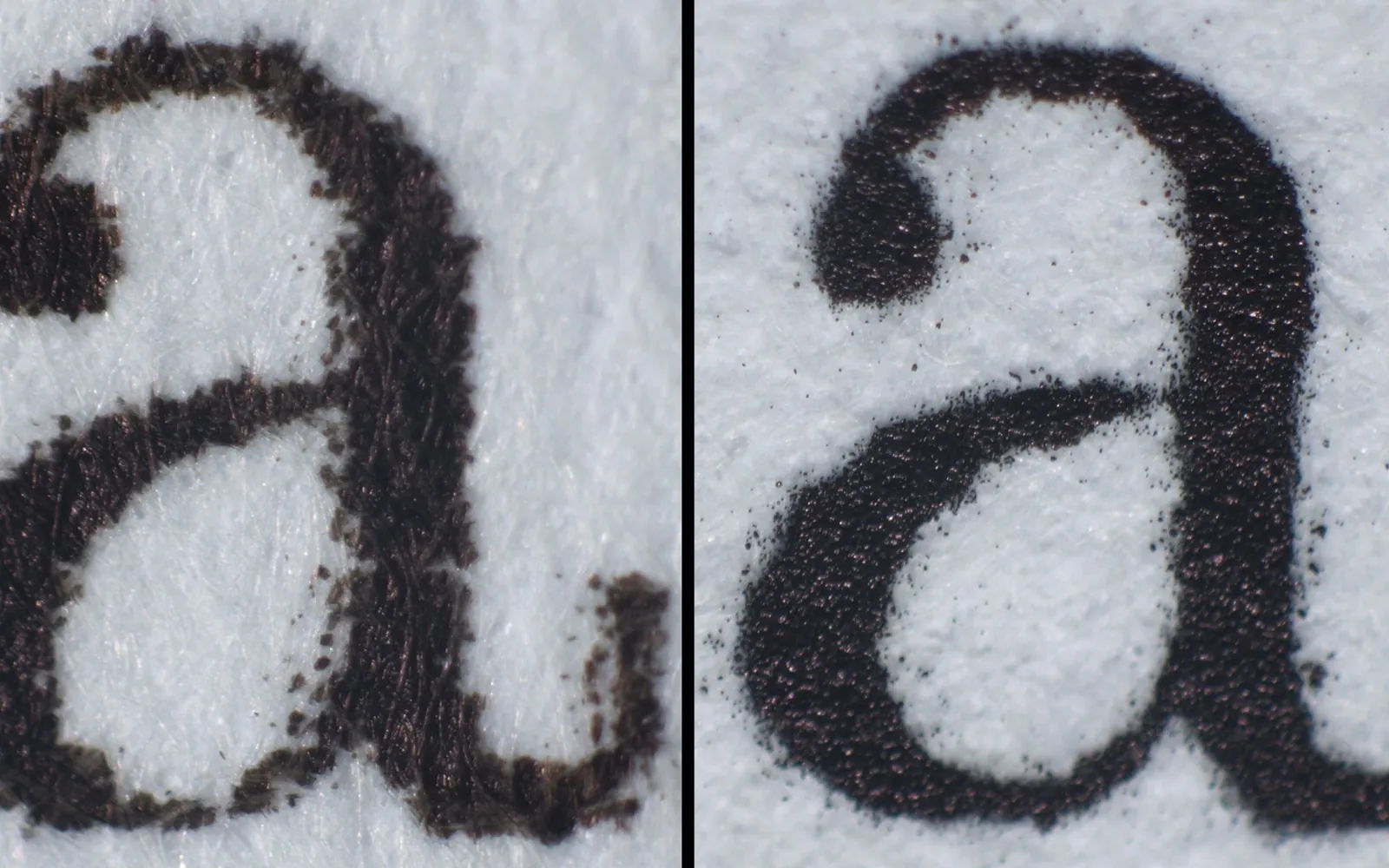
Text looks crisp. Toner sits on the paper surface and gives sharp black text, including on cheap copy paper, and it does not smudge when a highlighter passes over it.
It is fast. Even small home models print quickly. Brother’s specification for the HL-L2460DW, a typical compact model, lists up to 34 pages per minute on A4 and a resolution of up to 1200 x 1200 dpi. Speed matters most for long documents; for a two-page form, the warm-up time matters more.
Toner lasts a long time. A toner cartridge typically prints many more pages than an inkjet cartridge of similar price, and its yield is measured with ISO/IEC 19752, so you can compare models fairly. See how long toner lasts.
What it cannot do
- No colour, ever. Not for a highlighted chart, a coloured map, a red-pen correction or a photo. If a school or work task requires colour, you will need another route.
- Poor photos. Even in greyscale, a mono laser reproduces photos less smoothly than an inkjet on photo paper.
- Limited media. Lasers heat the page, so you need labels and envelopes made for laser printers, and many cannot handle glossy inkjet photo paper at all.
- More heat and power while printing. The fuser draws a lot of power during each job (see below).
The colour question: how often, really?
Look at what you printed in the last three months. Count the pages that truly needed colour, not just pages that happened to contain a coloured logo. For many households that number is close to zero, or a handful of pages a year. Those can be:
- printed in greyscale, with no real loss,
- sent from your phone to a print shop or library,
- printed at work or school, if allowed.
If you print colour every week, a mono laser will annoy you. Look instead at the options in our best printer for home use guide, or the laser vs inkjet comparison.
Running costs: how to compare honestly
Ignore the box price at first. Work out cost per page:
- Find the toner page yield on the maker’s supplies page. Check that it names ISO/IEC 19752.
- Divide the toner price by that yield.
- If the printer has a separate drum unit, find the drum’s rated page life and divide its price by that number. Brother explains that the drum and the toner are separate parts in many of its lasers and that a single drum can last through multiple toner cartridges. Our toner vs drum page explains the difference.
- Add the two figures. That is your cost per page for typical text.
Then compare with the inkjet or ink tank you are considering, using its ISO/IEC 24711 yields. Our printer cost per page guide walks through the arithmetic. Remember that the cartridge supplied in the box with a new laser may be a smaller starter cartridge; the starter vs standard cartridge guide covers that.
Power use
Laser printers use far more power while printing than inkjets, because the fuser has to heat up. Brother’s specifications for the HL-L2460DW list, as averages:
| Mode | Approximate power |
|---|---|
| Printing | about 470 W |
| Printing in quiet mode | about 260 W |
| Ready | about 44 W |
| Sleep | about 3.8 W |
| Deep sleep | about 0.4 W |
| Off | about 0.06 W |
The important point for a home is that a printer spends most of its life waiting. If it drops into sleep quickly, the printing peaks add up to less than you might expect. Keep the sleep timer short and do not disable deep sleep. ENERGY STAR certified imaging equipment must meet power management requirements, and ENERGY STAR advises keeping sleep settings at their energy-saving defaults. For a full worked example, see how much electricity a printer uses.
Features worth paying for
- Automatic two-sided printing (duplex). Saves paper on every long document.
- Wi-Fi with AirPrint and Mopria support. Lets phones and tablets print without extra apps; see AirPrint vs Mopria.
- A scanner, if you need to send copies of forms. A mono laser all-in-one adds one.
- High-yield toner availability, if you print a lot.
Features you can usually skip at home: large paper trays, finishing options and very high rated monthly volumes.
Who should buy a monochrome laser
A good fit:
- students and home workers printing essays, reports, tickets, labels and forms,
- households that print in bursts with long gaps,
- anyone who has thrown away dried inkjet cartridges.
A poor fit:
- photo printing and craft projects,
- families whose children need colour for school work every week,
- homes with very little space, if the model is bulky.
If you print rarely
A mono laser is often suggested for people who print only now and then, and the reason is the supply, not the speed. Toner is a dry powder, so it does not dry out between jobs the way inkjet ink can, and a laser has no print head nozzles to clog. That makes it forgiving if weeks pass between print jobs. Before buying any printer for occasional use, though, count what you actually printed over the last few months; our guide do I need a printer at home shows how, and when a print shop or library is the cheaper answer.
Text jobs a mono laser handles well
- Booklets and handouts. Two-sided printing and booklet layouts suit a laser’s crisp text and fast duplexing; see how to print a booklet.
- Copies. A mono laser all-in-one makes sharp black copies of forms and ID cards; see how to make a copy on a printer.
- Web pages and articles. Print from a reader view so the page is mostly text, which is exactly what a mono laser is good at; see printing a web page without ads.
Bottom line
A monochrome laser printer is worth it when you print mostly text and value reliability over versatility. Check how often you need colour, compare cost per page with official yields, look at sleep-mode power, and make sure the toner and drum for your model are easy to buy where you live.
Frequently asked questions
Is a black and white laser printer good for home use?
Yes, for homes that mostly print text: school work, letters, forms, tickets and returns labels. It is fast, the toner keeps well between jobs, and the cost per page for text is usually low. It is not suitable if you print photos or need colour often.
Does toner dry out if the printer is not used?
Toner is a dry powder, so it does not dry out or clog nozzles the way inkjet ink can. Makers still give storage conditions for toner and drums, such as temperature and humidity limits, so check the manual for your model.
Is a mono laser cheaper to run than an inkjet?
For black text it is often cheaper than a cartridge inkjet, but an ink tank inkjet can also be cheap per page. Work it out with the official yields: toner price divided by its ISO/IEC 19752 yield, plus the drum cost per page if the drum is separate.
Can a monochrome laser printer scan?
Some can. Monochrome laser all-in-ones combine a laser printer with a scanner and copier, and some add a document feeder. A print-only model is smaller and simpler.
Do laser printers use a lot of electricity?
They use a lot while printing because the fuser heats up, but home use is mostly sleep time. Brother's specifications for the HL-L2460DW, for example, list about 470 W printing and about 3.8 W in sleep. Over a month, sleep and standby often matter more than the printing itself.
Sources
Editorial team
The Printer Co editorial team researches and writes independent guides to home printers, ink and printing costs, using manufacturer documentation, standards bodies and consumer-protection sources.