Home printers
Best Printer for College Students: What to Look For in 2026
Written by Printer Co editorial team · Updated

Finding the best printer for college students starts with a question most buying guides skip: do you need one at all? If you do, the right choice depends far more on what your course makes you print, how often, and which devices you use than on any particular brand or model. This guide skips the model list, which goes out of date quickly, and gives you the checks that lead to a printer you will not regret by the second semester.
Step 1: Check whether you need your own printer
Before buying, find out:
- What your college offers. Libraries and computer labs often have printers, sometimes with a print allowance. Look up the price per page and the opening hours.
- How work is submitted. Many courses accept essays and reports online. Some departments still want printed copies, lab books or portfolios.
- Where you live. If campus printing is a short walk away, a printer in your room may sit idle. If you commute or live off campus, printing at home at midnight before a deadline is worth a lot.
A rough rule: if you expect to print only a few pages a month, use campus printing. If you print every week, or you need to print at odd hours, a printer of your own makes sense.
Step 2: Decide between laser and inkjet
Monochrome laser suits most students in essay-heavy subjects: law, humanities, social sciences, business. Text is crisp, printing is fast, and the toner is a dry powder that does not dry out over summer or winter breaks. The trade-off is no colour at all. Our page on whether a monochrome laser printer is worth it goes into detail.
Inkjet suits courses that need colour: art and design, architecture, biology diagrams, photography, posters for presentations. Inkjets also handle photo paper and card. Their weakness is long gaps between use: ink can dry in the nozzles; see print head clogging.
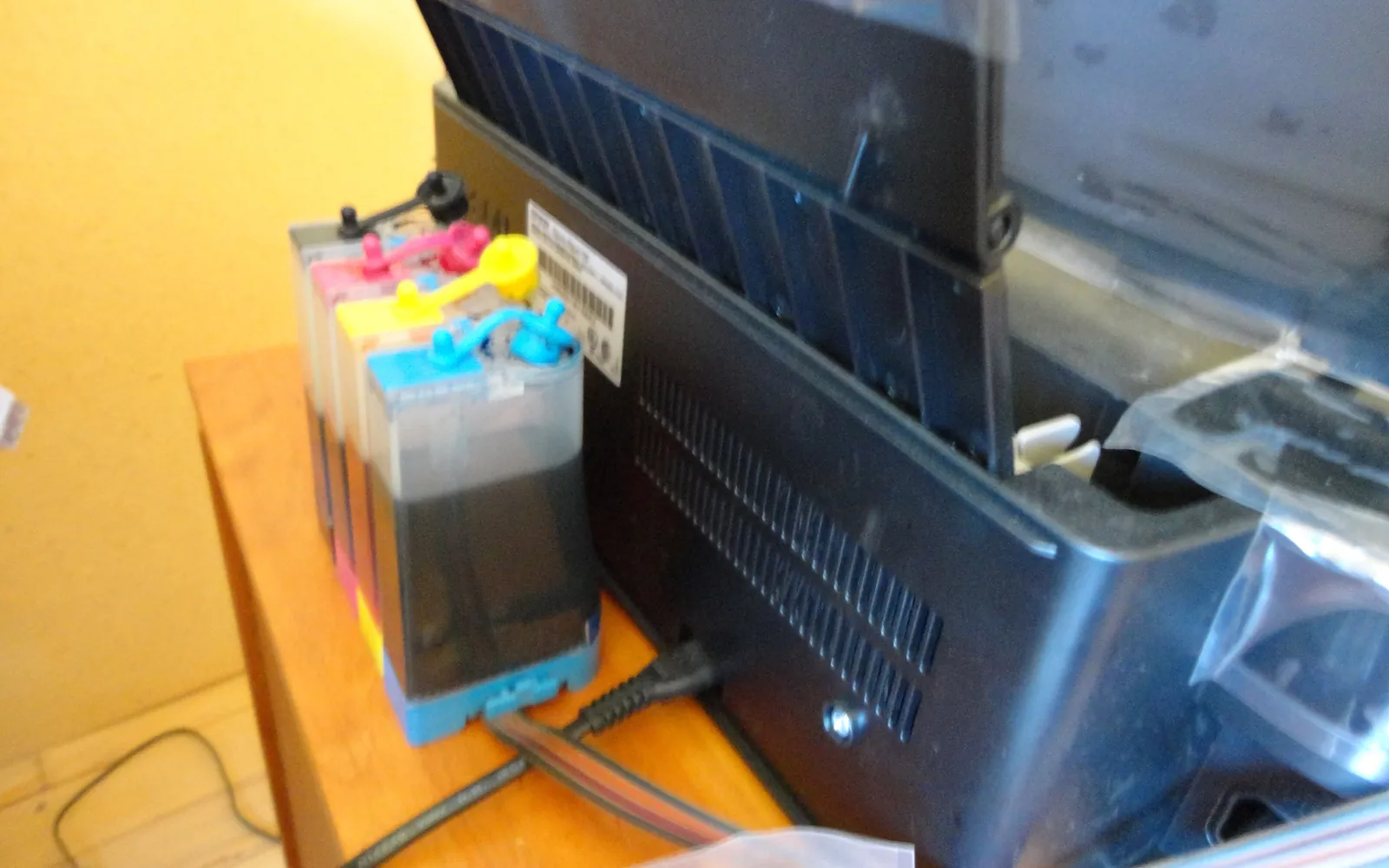
Ink tank inkjet is the choice if you print a lot of colour. The printer costs more up front but is refilled from bottles, which usually lowers the cost per page. Compare ink tank vs cartridge printers.
Step 3: Make sure it prints from all your devices
Students often print from a laptop, a phone and a tablet, sometimes a Chromebook. Look for:
- Wi-Fi for wireless printing from every device.
- AirPrint for iPhone, iPad and Mac. Apple says the printer and device must be on the same Wi-Fi network.
- Mopria certification for Android. Mopria says its print service is preinstalled on many Android devices.
- Driverless IPP printing for Chromebooks; Google’s Chromebook help explains how to add a printer by IP address if it is not found automatically.
- Wi-Fi Direct, which lets a phone or laptop connect straight to the printer without a router. This matters on campus networks.
Our guides to AirPrint vs Mopria and printing from a Chromebook explain each one.
The campus Wi-Fi problem
Shared university networks are built for laptops and phones, not printers. Some do not let printers join at all; some keep each device separate so your laptop cannot see your printer even when both are connected. Mopria notes that its service does not work over public Wi-Fi hotspots. Before you buy, check your college IT pages for rules about printers in student housing. If the network will not cooperate, use:
- a USB cable from your laptop,
- the printer’s Wi-Fi Direct mode for phones and laptops,
- or a printer that you keep at home and use only on breaks.
Step 4: Work out the real cost
A cheap printer with expensive cartridges is a common trap. Compare cost per page:
- Find the official page yield of the toner or ink. For black toner, look for ISO/IEC 19752; for inkjet cartridges, ISO/IEC 24711.
- Divide the supply price by that yield.
- Multiply by the pages you expect to print in a term.
Our printer cost per page guide shows the arithmetic, and are XL ink cartridges worth it explains when bigger cartridges pay off. Remember the cartridges in the box may be smaller starter ones.
Also check that supplies are easy to buy near campus or online where you live. A printer whose cartridges are hard to find is a problem in the week before exams.
Step 5: Size, noise and shared rooms
- Footprint. Measure the space on your desk or shelf, including room for paper trays to open.
- Noise. If you share a room, look for a quiet mode, especially for late-night printing.
- Weight. If you move between home and halls every term, a lighter printer is easier to carry.
- Two-sided printing. Automatic duplex halves paper use for long essays; see how to print double-sided.
Step 6: Scanner or no scanner?
A scanner is useful for signed forms, handwritten notes and applications, but your phone may be enough; see how to scan documents at home. An all-in-one adds size and cost, so buy one only if you will use the scanner regularly.
Moving it every term
A student printer often travels twice a year, and inkjets do not like being tipped. Canon’s transport instructions for its TS3300 series are a good general guide: turn the printer off with its own ON button, so it caps the print head, and unplug only when the power lamp is off; keep the cartridges installed; tape the covers shut; and pack it bottom-down without tilting the box, because turning it on its side or upside down may make ink leak. Ink tank models need extra care with the tank caps. Our step-by-step guide on how to move a printer covers both types, and reconnecting it to the new Wi-Fi when you arrive.
Study jobs worth knowing
- Copying without a computer. An all-in-one copies on its own, and many have an ID card copy layout that puts both sides of a card on one sheet, useful for enrolment and housing forms. Brother’s copy settings, for example, include 2 in 1 ID and 2-sided copying; see how to make a copy on a printer.
- Booklets and reading packs. Printing two pages per side and folding saves paper on long handouts; see how to print a booklet.
- Before you buy ink. Read the exact cartridge number from the printer or the old cartridge, not a shop’s model list; see which ink cartridge do I need.
Quick recommendations by student type
| Student | Usually best fit |
|---|---|
| Essays and reports, prints weekly, little colour | Compact monochrome laser |
| Prints rarely | No printer; use campus printing |
| Art, design or photo course | Ink tank inkjet, or a photo-capable inkjet |
| Mixed use, small room | Compact inkjet all-in-one with Wi-Fi Direct |
| Shares with roommates | Laser or ink tank with Wi-Fi and AirPrint plus Mopria |
Before you buy
- Course and campus printing checked
- Laser or inkjet chosen from what you actually print
- AirPrint, Mopria and Chromebook support confirmed
- Cost per page worked out from official yields
- Supplies available locally
- Fits the room, and quiet enough for shared space
Frequently asked questions
Do college students need a printer?
Not always. Many colleges offer printing in libraries and computer labs, and many assignments are submitted online. A printer is most useful if you print often, at odd hours, or live far from campus printing. Check your college's printing service and course requirements first.
Is a laser or inkjet printer better for a student?
For mostly black text and irregular use, a monochrome laser is usually better: it is fast and the toner does not dry out over long breaks. For colour work and photos, an inkjet is better; an ink tank model keeps colour running costs low if you print a lot.
What is the cheapest printer for a student to run?
The cheapest to run is the one with the lowest cost per page for what you print, not the cheapest to buy. Divide the price of the toner or ink by its official page yield and compare. Low-priced inkjets often have expensive cartridges.
Will a printer work with my Chromebook or iPad?
Most modern Wi-Fi printers do. iPhone and iPad need AirPrint; Android uses Mopria or a built-in print service; Chromebooks print to printers that support the standard Internet Printing Protocol. Check the printer's specifications for these terms.
Can I use a printer in a dorm room?
Usually, but campus Wi-Fi can be a problem. Some university networks do not allow devices like printers to connect, or keep each device separate. A USB cable or the printer's Wi-Fi Direct mode avoids that. Check your college IT guidance.
Sources
- Apple Support: Use AirPrint to print from your iPhone or iPad
- Mopria Alliance: FAQ
- Google Chromebook Help: Set up your printer
- ISO/IEC 19752, toner cartridge yield for monochrome printers
- ISO/IEC 24711, method for determining ink cartridge yield
- Canon TS3300 series online manual: Transporting Your Printer
- Brother MFC-J4335DW online user's guide: Copy Settings
Editorial team
The Printer Co editorial team researches and writes independent guides to home printers, ink and printing costs, using manufacturer documentation, standards bodies and consumer-protection sources.