Costs and eco printing
Are XL Ink Cartridges Worth It? How to Check in 5 Minutes
Written by Printer Co editorial team · Updated
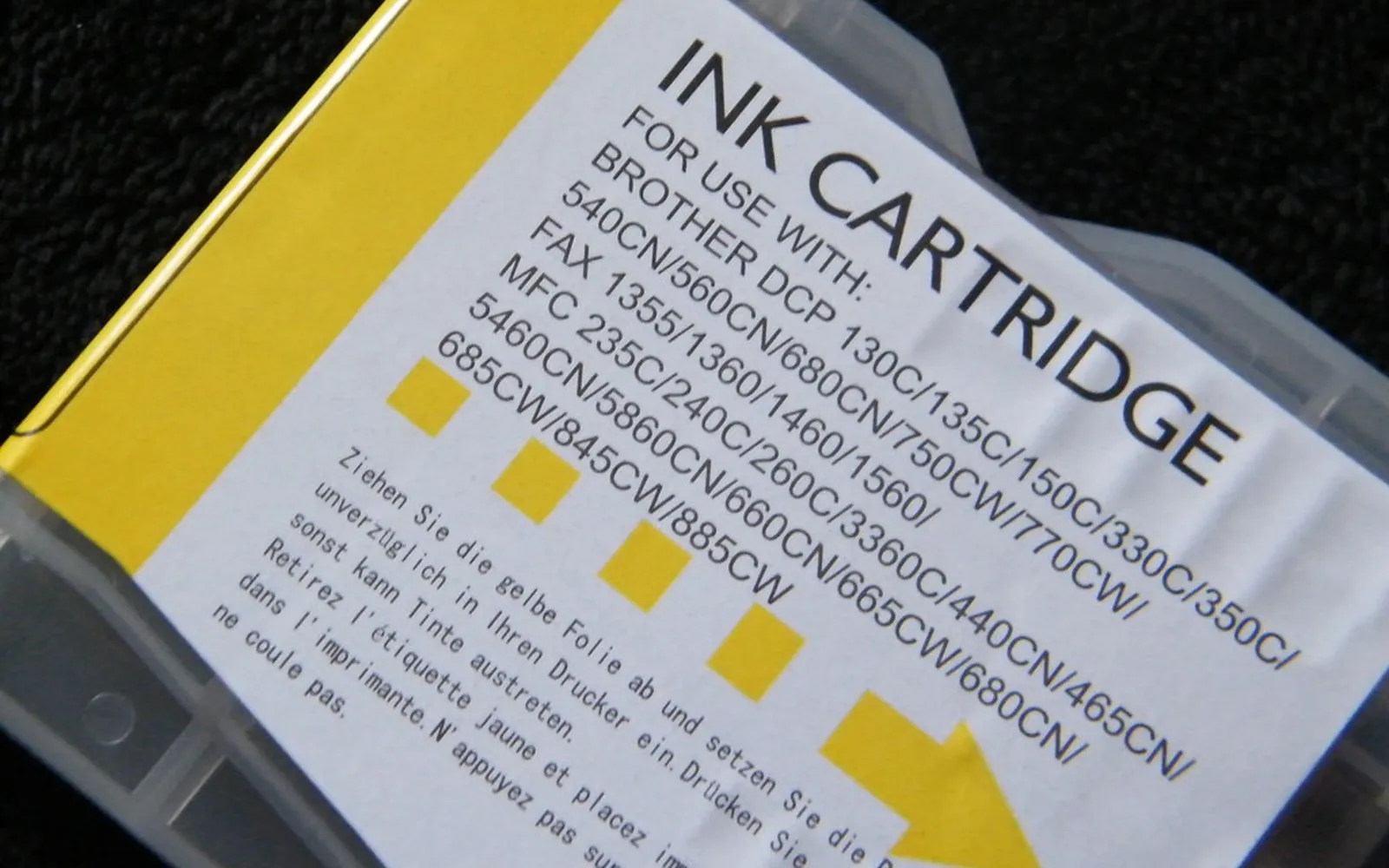
Are XL ink cartridges worth it? Often yes, but not always, and the box will not tell you which case you are in. An XL cartridge costs more than a standard one and promises more pages. The only fair way to judge it is cost per page, combined with an honest look at how quickly you will use the ink. This guide shows you how to run that check yourself in about five minutes, and when the bigger cartridge quietly costs you more.
Standard, XL and XXL: what the letters mean
Most cartridge ranges come in at least two sizes:
- Standard (sometimes called regular or normal yield): the base cartridge.
- XL (high yield or high capacity): more ink, rated for more pages, higher price.
- XXL or extra high yield: offered by some makers for some printers, with even more ink.
The naming is not consistent across brands or regions. One maker’s “XL” can be another’s “high capacity”, and some ranges skip XXL entirely. Not every printer accepts every size either, so check the compatibility list on the maker’s supplies page before buying. The letters are a hint; the rated page yield is the fact you should compare.
Why an XL cartridge can look the same size
People are often surprised to open an XL cartridge and find it looks identical to the standard one. That is normal. Cartridges have to fit the same slot in the same printer, so makers frequently use one outer shell for every capacity and simply fill it with a different amount of ink. Some standard cartridges have more empty space inside.
So do not judge value by size or weight in the hand. The number that matters is the page yield printed on the box or listed on the maker’s page.
Compare by cost per page, not box price
The formula is the same one we use in our guide to printer cost per page:
Cost per page = cartridge price / official page yield
For inkjet cartridges, credible yields are measured with ISO/IEC 24711, which prints the ISO/IEC 24712 set of test pages until the cartridge runs out. Because every maker that quotes this method uses the same pages, the yields are comparable between sizes and between brands. If a seller quotes a yield without naming a method, treat it as an estimate.
A worked example (hypothetical numbers)
The numbers below are made up for illustration only. They are not real prices or yields for any product.
| Size | Price (illustration) | Rated yield (illustration) | Cost per page |
|---|---|---|---|
| Standard | 20 units | 200 pages | 0.100 units |
| XL | 40 units | 500 pages | 0.080 units |
| XXL | 60 units | 900 pages | 0.067 units |
In this made-up case the XL is 20% cheaper per page than the standard cartridge, and the XXL cheaper still. But notice the XL costs twice as much up front. You only collect the saving if you actually print those 500 pages.
Now add your own printing. Suppose you print 25 pages a month. The standard cartridge lasts about 8 months, the XL about 20 months and the XXL about three years. That is where the decision gets interesting.
When XL is not worth it
You print very little
If the XL takes more than a year or so to use up, the per-page saving can be wiped out by ink lost to cleaning cycles and drying. Epson’s own explanation of its yield testing notes that infrequent printing can lower yields and that long exposure to extreme conditions can make ink evaporate. A light user may get noticeably fewer pages than the rating from any cartridge, and the bigger the cartridge, the more ink there is to lose.
The ink may dry or the printer may clog
Inkjets use some ink to keep the nozzles healthy, and a printer that sits idle for weeks can clog. If that is your printer, read our guide to print head clogging before buying the largest size. Printing a page or two every week often matters more than cartridge size. Our guide to how long printer ink lasts covers shelf life and storage in more detail.
You may replace the printer soon
Cartridges are tied to specific printer models. If your printer is old, unreliable, or you are thinking of switching to an ink tank printer or a laser, a half-used XXL cartridge will be worth nothing to you. Buy only what you expect to use before the switch.
The price gap is small or reversed
Shop prices move, and occasionally a standard cartridge on promotion beats the XL per page. Always run the numbers on the day you buy, with prices from the same shop.
You print mostly in one colour
On a printer with separate colour cartridges, it can make sense to buy XL only for the colour you use most, usually black, and standard for the rest.
When XL is usually worth it
- You print regularly, enough to use an XL within a few months.
- The XL’s cost per page is clearly lower than the standard cartridge’s.
- Your printer is in good health and you plan to keep it.
- You would rather change cartridges less often.
Regular printing also keeps the print head in better shape, so heavier users tend to get closer to the rated yield.
How to check yields on maker pages
- Find your printer’s exact model name, usually on the front or on a label inside the lid.
- Go to the printer maker’s supplies or cartridge page for that model and list the compatible cartridges.
- For each size, note the stated page yield and whether it names ISO/IEC 24711. Many makers list black and colour yields separately.
- Read the footnotes. Makers often state that the cartridges supplied in the box with a new printer are excluded from the yield figures, partly because some of their ink is used to prime the printer, and that ink is also used for routine maintenance.
- Write the yields next to prices you saw at one shop on one date, then work out cost per page.
Other ways to lower your ink bill
XL is only one lever. Printing in draft mode for everyday documents, printing double-sided and checking a print preview before you hit print all reduce ink use. Our guide to eco-friendly printing at home covers the habits with the biggest effect. Good third-party ink can also lower cost per page if your printer accepts it, and if you print a lot it is worth reading about why printer ink is so expensive and how an ink tank model changes the maths.
When a cartridge is empty, return it rather than binning it. Several makers run free take-back schemes for their own cartridges; see how to recycle ink cartridges.
Make sure the XL number fits your printer
An XL cartridge usually shares most of its number with the standard one, which is exactly why mistakes happen: a listing that looks right can be for a different printer family or region. Before ordering, confirm the XL number appears on the maker’s supplies list for your exact printer model, or read it from the printer itself. Brother’s ink menu, for example, has an Ink Cartridge Model option that shows or prints the model numbers the printer takes. Our guide which ink cartridge do I need explains where else to look.
Time the purchase with the low-ink warning
An XL cartridge only pays off if you finish it while the ink is fresh, so buying one months ahead works against you. Wait for the printer’s low-ink warning, which usually leaves time to order, and remember that the level shown is an estimate, not an exact count. Our guide on how to check ink levels explains what each warning means and how far to trust it.
The quick decision rule
Divide price by ISO yield for each size. Pick the lowest cost per page that you will realistically finish within a few months, and before you plan to replace the printer. If you print only occasionally, the standard cartridge is often the smarter buy, even though it looks more expensive per page on paper.
Frequently asked questions
Are XL ink cartridges worth it?
They are worth it when the XL has a lower cost per page than the standard cartridge and you will use up the ink within a reasonable time. Divide each cartridge's price by its official page yield and compare. If you print only a few pages a month or plan to replace the printer soon, a standard cartridge can be the better buy.
Why does my XL cartridge look the same size as the standard one?
Many makers use the same outer shell for standard and XL versions so both fit the same printer slot. The XL simply has more ink inside. You cannot judge capacity by looking at the cartridge; check the rated page yield instead.
What is the difference between XL and XXL?
XXL, where a maker offers it, is a higher-capacity version again, rated for more pages than the XL. Naming varies by brand and region, so always compare the stated page yields rather than the letters on the box.
Where do I find the page yield of a cartridge?
Look on the cartridge maker's product or supplies page, or on the box. Reliable figures name the test method, which for inkjet cartridges is ISO/IEC 24711 with the ISO/IEC 24712 test pages.
Do XL cartridges dry out?
Ink in any cartridge can dry or evaporate over time, especially with infrequent printing or extreme conditions. A large cartridge that sits in a rarely used printer for a long time has more ink at risk, which is one reason XL is not always the cheaper choice for light users.
Sources
Editorial team
The Printer Co editorial team researches and writes independent guides to home printers, ink and printing costs, using manufacturer documentation, standards bodies and consumer-protection sources.