Ink and toner
Which Ink Cartridge Do I Need? How to Find the Right One
Written by Printer Co editorial team · Updated
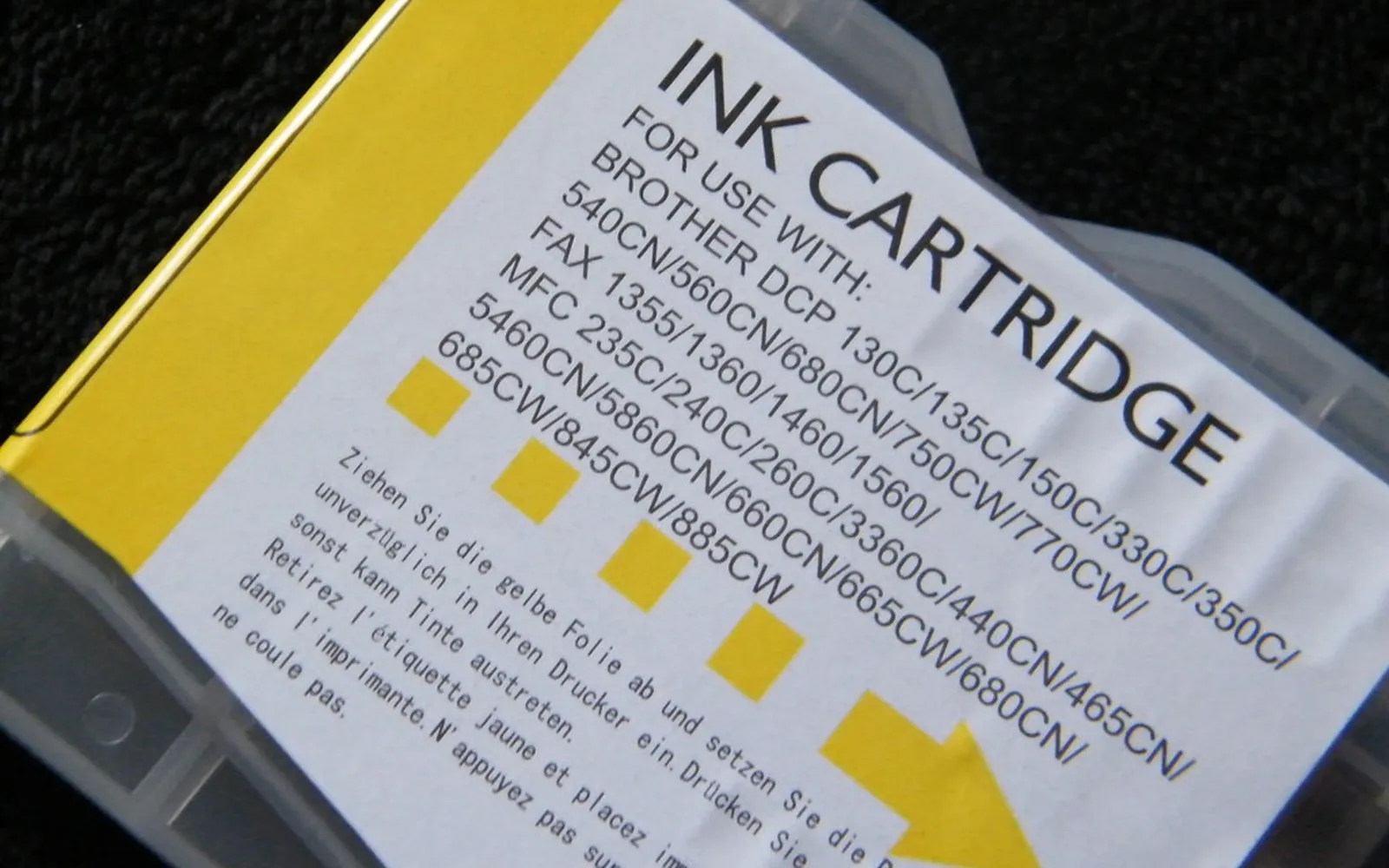
Which ink cartridge do I need? It sounds like a question with one simple answer, and it usually is, as long as you look in the right place. The trouble starts when people search by printer name, find a list of a dozen similar-looking cartridges, and buy one whose number is a single digit off. This guide shows the reliable ways to find the exact cartridge, how to read the labels, and the mistakes that send cartridges back to the shop.
The safest source: the cartridge you already have
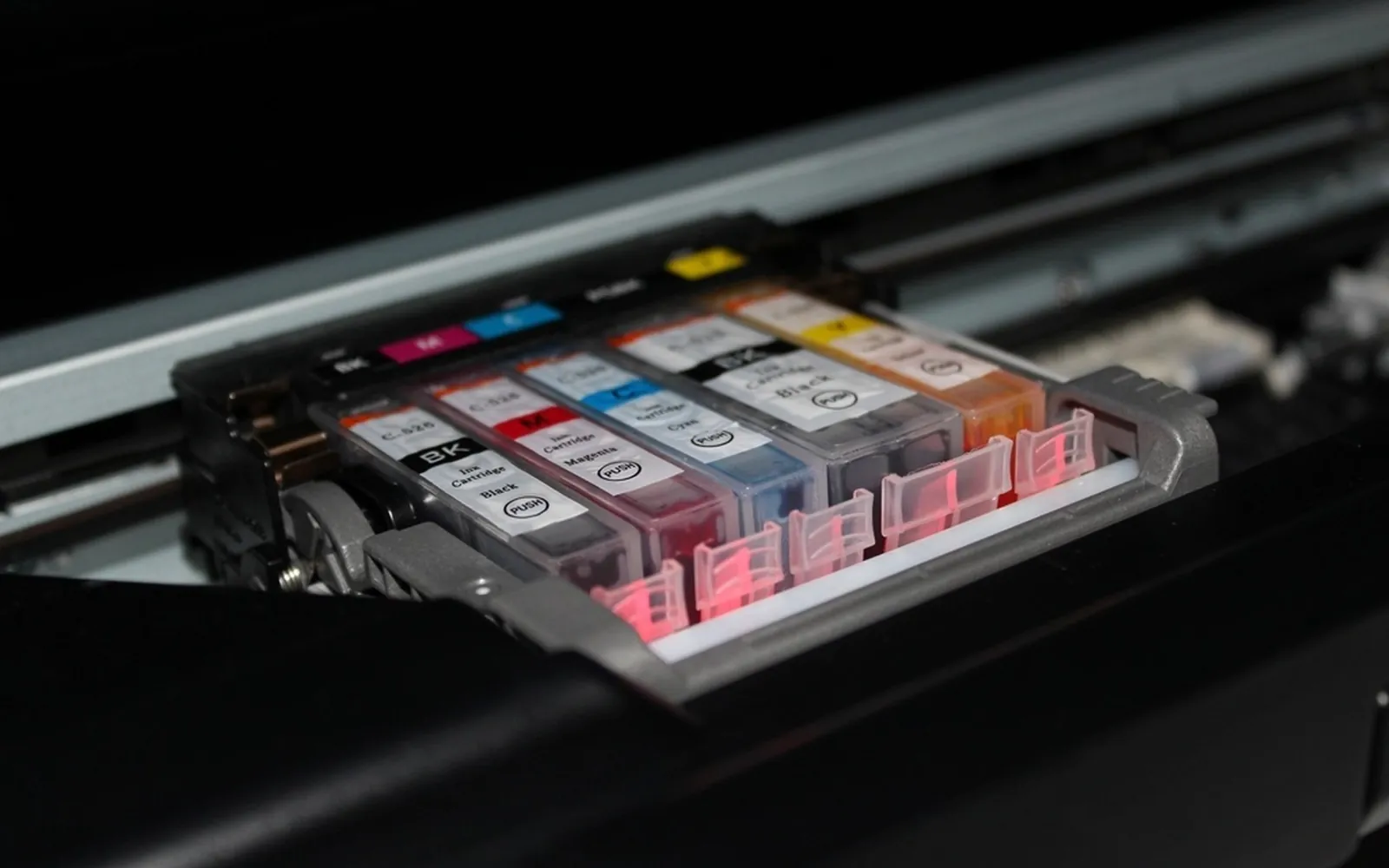
The number printed on the cartridge you are replacing is the best guide, because it is what the printer is already using. Before you throw the empty one away or send it for recycling, write the number down or take a photo of the label.
Two cautions:
- If the cartridge came in the box with the printer, it may be a starter cartridge that holds less ink than the standard retail version. The retail number may differ from what is printed on it. Our page on starter vs standard cartridges explains this.
- If someone before you used a compatible or refilled cartridge, its label may use the seller’s own code. Check the printer instead.
Ask the printer
Many printers will tell you exactly which cartridges they take.
- On the screen. Brother’s guide for the MFC-J4335DW is a good example: in the Ink menu there is an Ink Cartridge Model option that shows or prints the model numbers of the cartridges.
- In the maker’s app or software. The status screen that shows ink levels often names the cartridges and links to them. You do not have to buy through that link; just note the numbers.
- On a printed report. A printer status or configuration report often lists supplies along with the model and serial number.
Find the exact printer model
If you have no old cartridge and the printer cannot tell you, start from the printer’s model number. It is usually printed on the front or top near the control panel, and always on the rating label on the back or underneath, together with the serial number. Use the full model, including letters at the end: models in the same series can use different cartridges.
Then look up that model on the maker’s website. Each model’s support or product page lists its supplies, usually with standard and high-yield versions. That list is the authority; a shop’s “fits these printers” list is a convenience that can contain mistakes.
Reading cartridge labels
Once you have a number, you will see variations. Typical patterns:
| Label detail | What it usually means |
|---|---|
| Same number with XL, XXL or “high yield” | Same cartridge, more ink, more pages |
| Multipack or value pack | Several of the same numbers in one box |
| Photo value pack | Cartridges plus photo paper |
| A different letter or digit | Possibly a different printer family; check |
| “Compatible with” or “remanufactured” | Made or refilled by a third party, not the printer maker |
Standard and XL cartridges usually fit the same printers, and the XL only makes sense if you will use the ink before it ages; see are XL ink cartridges worth it.
Know what kind of supply your printer uses
Home printers use a few different kinds of supply, and knowing yours avoids buying the wrong product:
- Cartridges with a built-in print head. Canon calls these FINE cartridges; many other low-cost inkjets work the same way. Each new cartridge brings a new print head. Canon’s manual says to use a new cartridge for replacement, because a used one may clog and the printer cannot track its level properly.
- Ink-only cartridges. The print head stays in the printer and the cartridges are just ink containers, often one per colour.
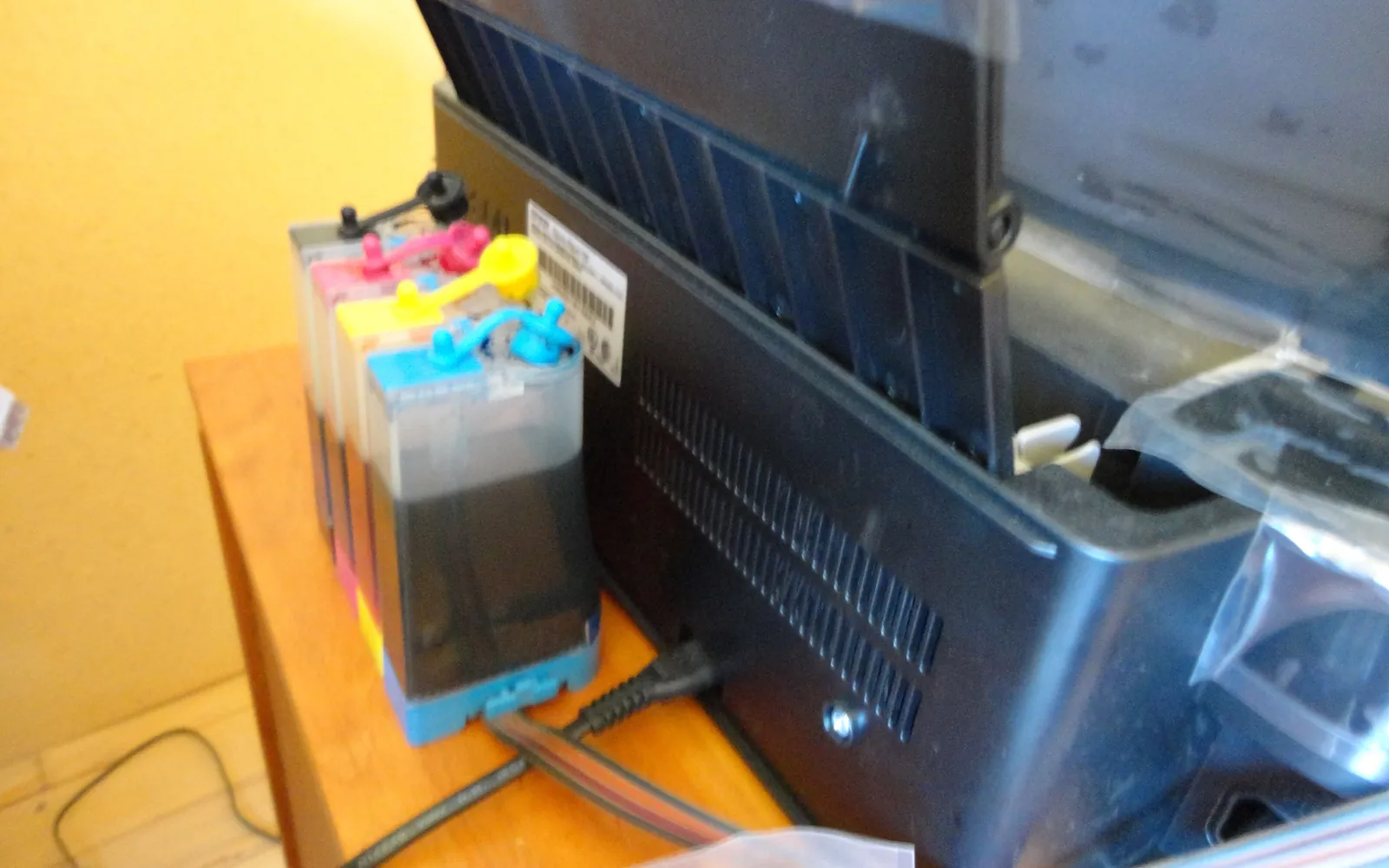
- Ink bottles for ink tank printers. Bottles are specific to the printer family too; check the bottle code, not just the colour. See ink tank vs cartridge printers.
- Toner and drum for laser printers, which may be separate parts with separate numbers; see toner vs drum unit.
Original, compatible or refilled?
You are not obliged to buy the printer maker’s own cartridges. Compatible and remanufactured cartridges exist for many printers and can cost less. In the US, the warranty rules in 16 CFR 700.10 generally stop a warrantor from making warranty coverage depend on using a particular brand of product, although damage caused by a defective third-party product may not be covered.
Some printers do warn about or refuse non-original cartridges, and firmware updates have changed this on some models. Our guide to third-party printer ink explains the trade-offs, including what to check before buying.
If you moved country with your printer
Some makers number the same cartridge differently in different regions, and some printers are set to accept only cartridges intended for the region where they were sold. If you brought a printer from another country and the local cartridge numbers do not match, check the maker’s support pages for your model, or contact the maker, before ordering. Do not assume a cartridge from a foreign shop listing will work.
Common mistakes
- Buying by printer series name instead of the exact model.
- Matching the picture, not the number. Many cartridges look alike.
- Ignoring a suffix. One letter can mean a different family or a different region.
- Stocking up too far ahead. Ink has a shelf life; see how long printer ink lasts.
- Removing a cartridge and leaving it out. Canon warns that a cartridge left out of the printer can dry out; install the new one straight away.
Quick checklist before you pay
- Number from the old cartridge, the printer’s ink menu, or the maker’s supplies list
- Every digit and letter matched
- Standard or XL chosen for how much you print
- Original or compatible decided, with the seller’s return terms read
- Bought close to when you need it, not months ahead
Frequently asked questions
How do I find out which ink cartridge my printer uses?
Read the number on the cartridge you are replacing, or check the printer's ink menu or app; Brother, for example, has an Ink Cartridge Model option that shows or prints the model numbers. You can also look up the printer's model number on the maker's website, where each model lists its supplies.
Where is the model number on my printer?
Usually on the front or top near the control panel, and always on the rating label on the back or underside. The printer's network or status report and the maker's app also show it.
Can I use an XL cartridge instead of a standard one?
Usually, if the maker sells an XL (high-yield) version of the same cartridge for your printer. It fits the same slot and simply holds more ink. Check that your printer's supplies list includes the XL number.
Will a cartridge with a similar number fit?
Do not assume so. Cartridges for different printer families can have numbers that differ by one digit or a letter, and they may not fit or may not be recognised. Match the number exactly or confirm it on the maker's supplies list for your printer.
Do I have to buy the printer maker's own cartridges?
No. Compatible and remanufactured cartridges exist for many printers. In the US, the warranty rules in 16 CFR 700.10 generally stop a warrantor from making coverage depend on using a branded product, though damage caused by a faulty third-party cartridge may not be covered. Some printers warn about or reject non-original cartridges.
Sources
Editorial team
The Printer Co editorial team researches and writes independent guides to home printers, ink and printing costs, using manufacturer documentation, standards bodies and consumer-protection sources.