Ink and toner
Starter Cartridge vs Standard Cartridge: What Differs
Written by Printer Co editorial team · Updated
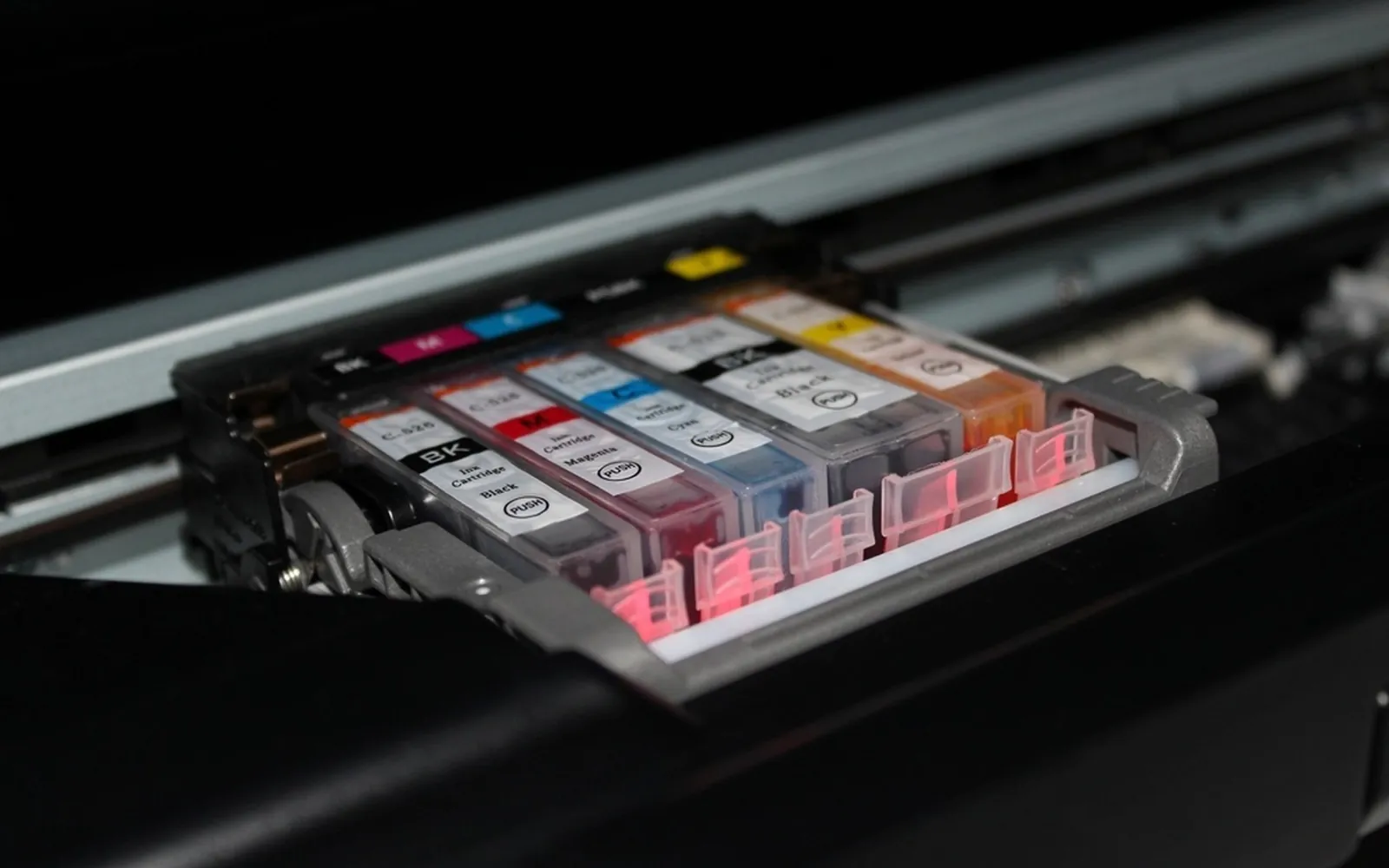
The starter cartridge vs standard cartridge question usually comes up a few weeks after buying a printer, when the ink that came in the box runs low far sooner than expected. It is not a fault, and it is not your imagination. The cartridges packed with a new printer do a job the later ones never have to do: they fill an empty print head with ink. This guide explains what that means, what the makers actually say, and how to plan your first ink purchase so the surprise does not cost you more than it should.
What a starter cartridge is
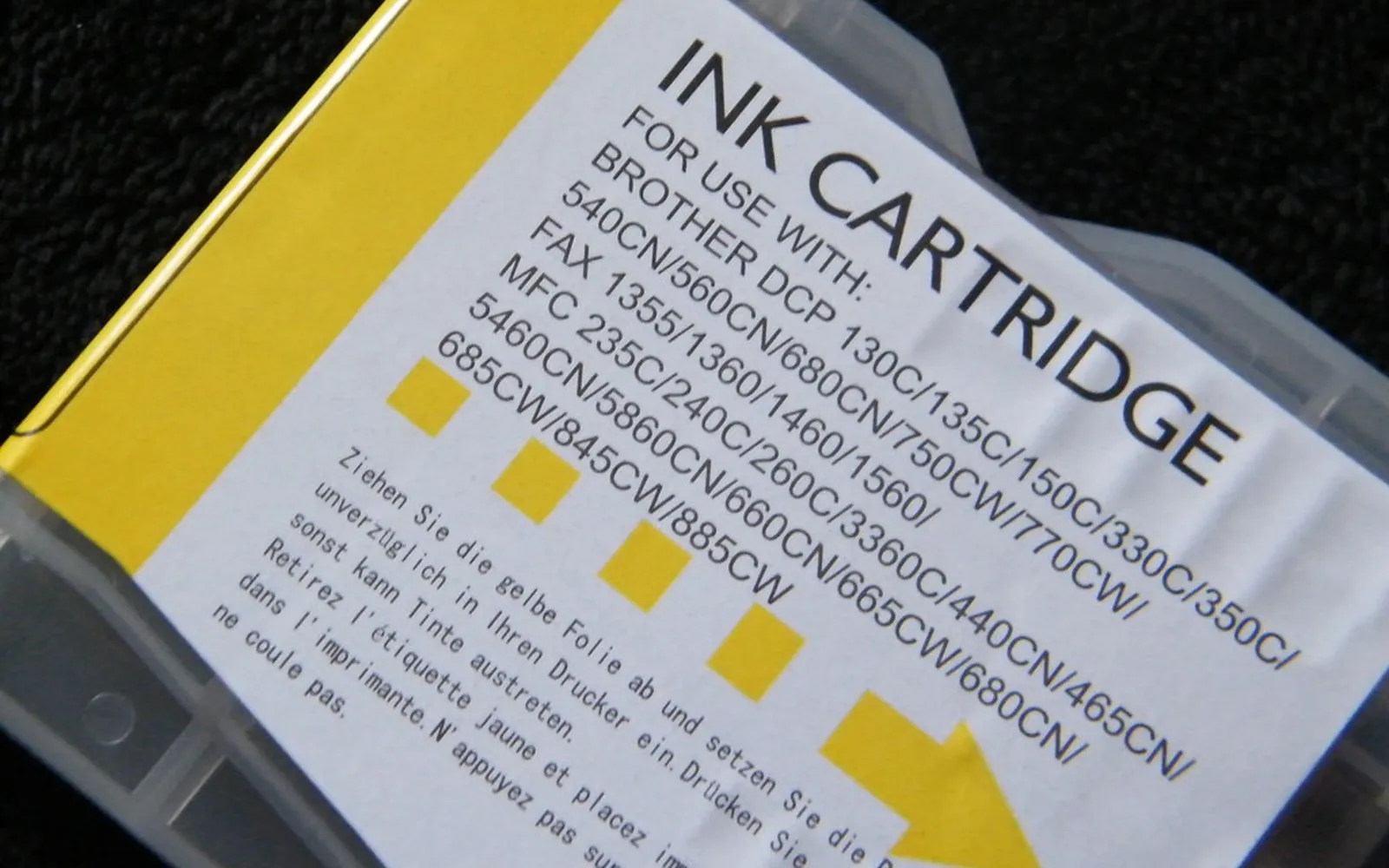
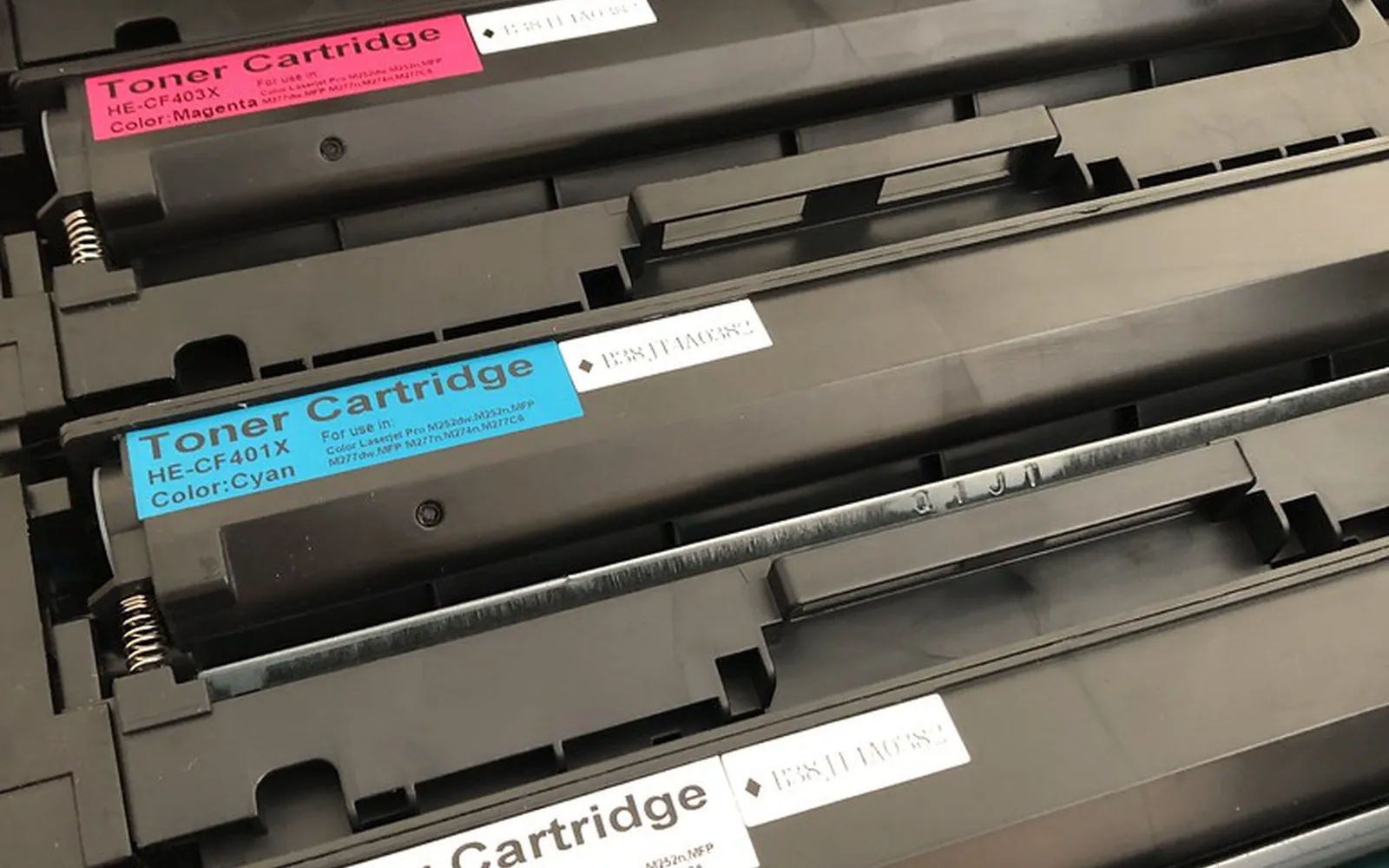
A starter cartridge is simply the ink supplied with a new inkjet printer. Brands and retailers use different names for it: starter, setup, initial, introductory or in-box cartridges. On some printers they look identical to the retail cartridges; on others they carry a different label or part number. Laser printers have the same idea, often called a starter toner cartridge, and our guide to how long toner lasts covers that side.
What matters is not the name but the two jobs the cartridge has to do:
- Prime the printer. A new printer’s print head and ink paths are dry. On first setup, the printer pulls ink through them until the nozzles are full and ready to fire.
- Print your first pages. Whatever is left after priming is available for normal printing.
A standard cartridge, the one you buy as a replacement, only has to do the second job.
What the makers say
The manufacturers are fairly open about this, though the explanation tends to sit on a setup sheet or a specifications page that few people read.
- Epson. An Epson Europe “Start Here” setup sheet says the initial cartridges will be partly used to charge the print head, that they may print fewer pages than later cartridges, and that they cannot be saved for later use. On the specifications page of the US XP-5200 user guide, Epson says the included initial cartridges are designed for reliable printer setup, cannot be used as replacement cartridges or resold, and that after setup the remaining ink is available for printing.
- Canon. Canon U.S.A.’s page yield sheet for the PIXMA MX479 explains that when you first use the printer after installing the supplied ink, it consumes ink to fill the nozzles of the print head, so the number of sheets you can print with the first tanks is fewer than with later ones. The same sheet states that the published page yield is based on the succeeding cartridges, not the first.
In other words, the page yield printed on a cartridge box does not describe the starter set. That is the single most useful fact to know before you start counting pages.
Starter vs standard: the practical differences
| Starter cartridge | Standard cartridge | |
|---|---|---|
| Where it comes from | In the box with a new printer | Bought separately |
| Used to prime the print head | Yes, on first setup | No |
| Covered by the published page yield | No (Canon states yields are based on later cartridges) | Yes, where the maker publishes an ISO yield |
| Can you keep it for later | No, install it during setup | Yes, until the date on the package |
| Can you buy it in a shop | Generally no; Epson says its initial cartridges cannot be resold | Yes |
Page yields for standard cartridges are measured under ISO/IEC 24711, a standard method that prints a set test document continuously until the cartridge runs out. Your own pages may use more or less ink than the test, which is why the yield is a comparison tool rather than a promise. Our guide to printer cost per page shows how to turn a yield and a price into a number you can compare.
Why it matters when you buy a printer
The starter set distorts your first impression of a printer’s running costs in two ways.
It makes ink look more expensive than it is. If the first set runs out after a short time, it is tempting to assume every set will. Base your estimate on the yield of the standard or XL replacement, not on the starter.
It can hide the real cost of the first year. Some printers ship with a lot of ink, others with very little. Ink tank printers often include bottles that print many pages, while cartridge printers may include a modest starter set. When you compare two printers, add the cost of the first replacement set to the box price of the cartridge model. Our ink tank vs cartridge cost guide walks through that comparison.
Before you buy, check what the retailer or maker lists as included in the box, and look up the price and yield of the replacement cartridges. If you cannot find a yield for the replacements, treat that as a warning sign.
How to get the most from the starter set
You cannot avoid the priming step, but you can avoid wasting ink on top of it.
- Install the starter cartridges during setup, exactly as the setup sheet shows. Do not swap in retail cartridges first to “save” the starter set; the printer expects the starter ink for its first charge.
- Let initial charging finish. Leave the printer switched on and do not open covers or unplug it while it primes. The Epson setup sheet cited below gives a few minutes for ink charging and tells you to wait until the light comes on.
- Turn the printer off with its power button, not at the wall, so the print head is capped.
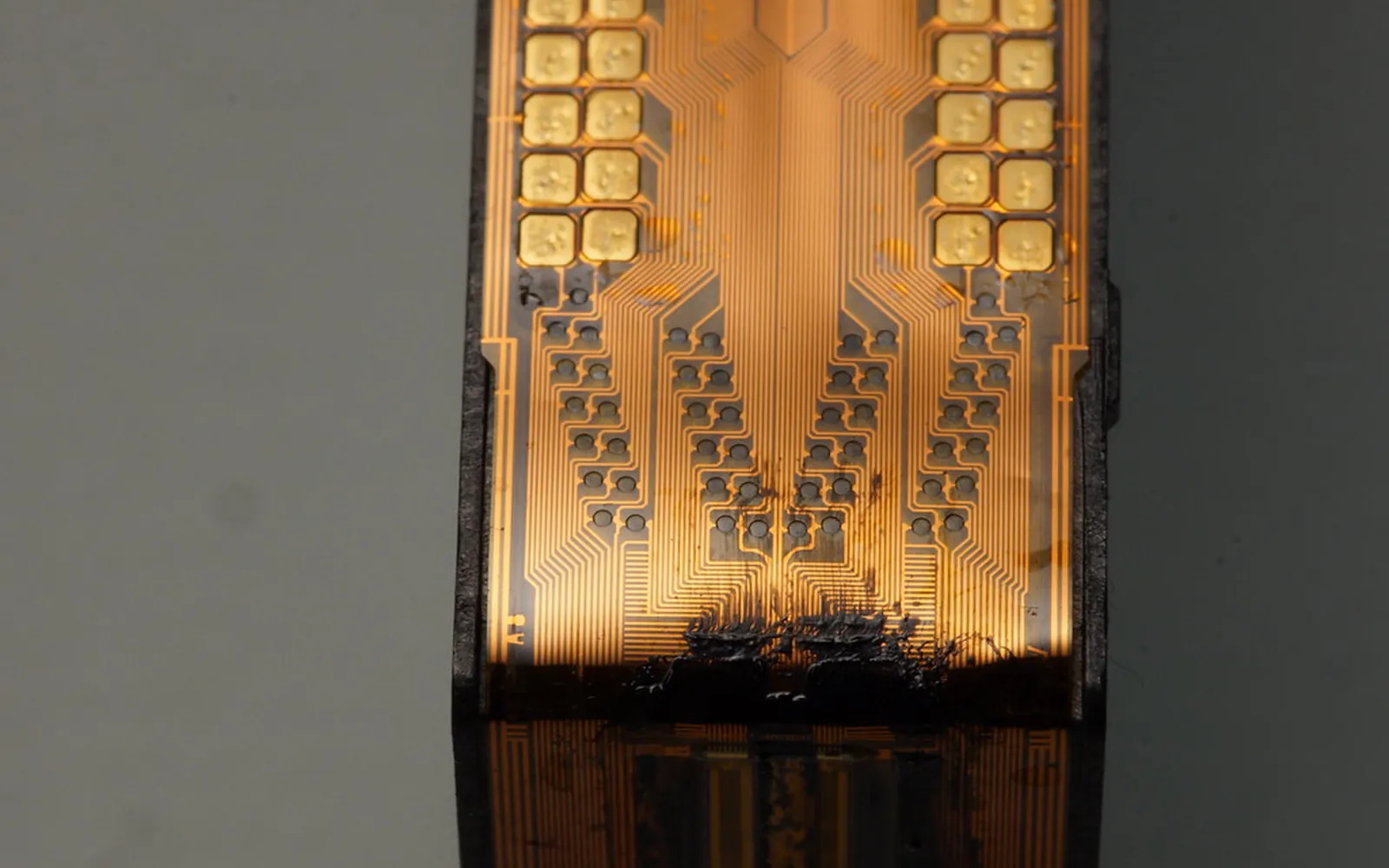
- Avoid unnecessary cleaning cycles. Each one uses ink. Run a nozzle check first and clean only if lines are missing; see our print head clogging guide for how to read a nozzle check.
- Print regularly. A printer that sits idle for weeks spends ink on maintenance and risks dry nozzles. Our guide to how long printer ink lasts has a simple routine.
Planning your first ink purchase
When the low-ink warning first appears, you do not need to panic-buy. Most printers keep printing for a while after the first warning. Use that time to choose well:
- Decide standard or XL. If you print every week, an XL cartridge usually costs less per page. If you print rarely, a standard cartridge is less likely to dry out before you finish it. Our XL cartridge guide explains the maths.
- Check genuine and compatible options. Third-party cartridges can be cheaper, with trade-offs worth understanding first; see third-party printer ink.
- Consider a subscription only if your volume is steady. An ink subscription can suit a household that prints a predictable number of pages each month.
- Buy one set ahead, not five. Spare cartridges have a date on the box. Buy for the next few months, not the next few years.
Should you refill a starter cartridge?
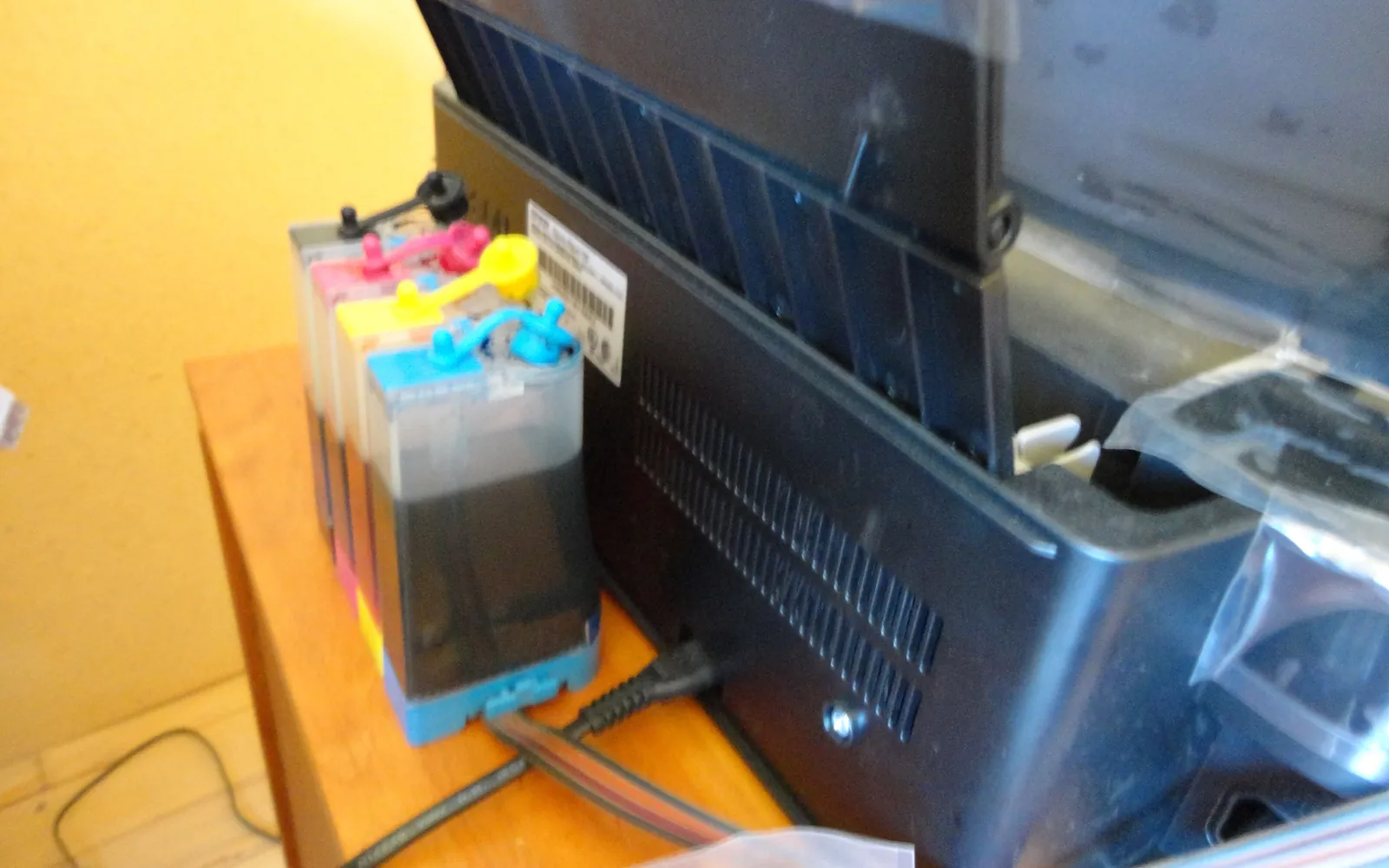
Because starter cartridges hold less ink, some owners try refilling them rather than buying a full set. Check two things first. Does a refill kit list that exact cartridge number? And will the printer still report ink levels? Many printers track ink use with a chip or counter, so a refilled cartridge can keep showing as empty. If the printer is new and under warranty, the safer first purchase is usually a standard or XL cartridge. Our guide to how to refill ink cartridges explains the risks and what US warranty rules say.
Decision rules
- Your starter cartridges ran out quickly: that is expected. Judge the printer on the standard or XL replacements.
- You are choosing between printers: compare the yield and price of replacement cartridges, plus what ink is included in the box.
- You print very little: a printer that needs its print head primed and maintained may not suit you. A laser printer avoids drying ink altogether; our laser vs inkjet guide explains when it makes sense.
The short version: the starter cartridge pays for getting your printer ready. The standard cartridge is the one that tells you what printing will really cost.
Frequently asked questions
Is a starter cartridge the same as a standard cartridge?
Usually not in practice. It may look the same, but part of its ink is used to fill the print head when the printer is first set up, and on some printers it holds less ink to begin with. The standard cartridge you buy later is what published page yields describe.
Why did my first ink cartridge run out so fast?
Because the printer used some of it to prime the print head. Epson's setup sheets say the initial cartridges will be partly used to charge the print head and may print fewer pages than later cartridges. Canon says the same about its first ink tanks.
Can I keep the starter cartridges and use them later?
No. Printers expect the starter set for the first setup, and Epson's setup sheet says the cartridges that came with the printer cannot be saved for later use. Install them as instructed.
Will the next cartridges last longer?
Usually yes, because the print head is already full. How long they last still depends on what you print, how often you print and whether you buy standard or XL cartridges.
Should I buy XL cartridges after the starter set runs out?
If you print regularly and will use an XL cartridge within about six months, it is often the cheaper option per page. Compare the price and the ISO page yield of both sizes before you decide.
Sources
Editorial team
The Printer Co editorial team researches and writes independent guides to home printers, ink and printing costs, using manufacturer documentation, standards bodies and consumer-protection sources.