Ink and toner
How Long Does Toner Last? Pages, Shelf Life and Storage
Written by Printer Co editorial team · Updated
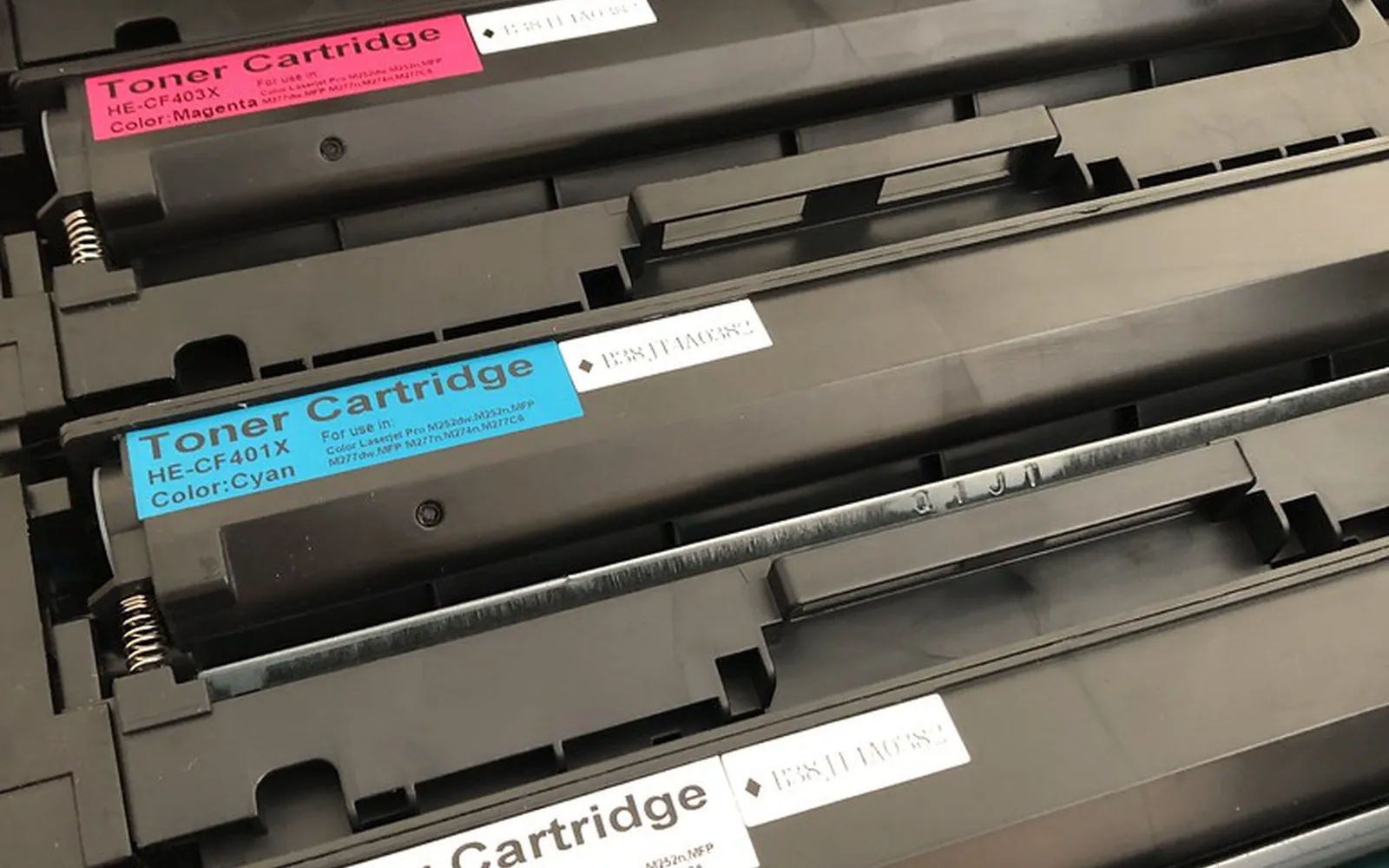
How long does toner last? The honest answer has two parts. In use, toner lasts a number of pages, and the maker tells you roughly how many. On the shelf, an unopened cartridge keeps for a long time if you store it the way the maker asks. This guide explains both, why your own page count rarely matches the box, what to do when the printer says toner is low, and how toner life differs from drum life.
Toner is rated in pages, not months
A toner cartridge does not have a fixed lifespan in weeks or months. It runs out when the toner is used up, so a household that prints 50 pages a month will get far more calendar time from the same cartridge than an office printing hundreds.
Makers publish a page yield for each cartridge. Reputable yields name the test method:
- ISO/IEC 19752 for black toner in monochrome laser printers and multifunction devices.
- ISO/IEC 19798 for colour toner (cyan, magenta, yellow and black) in colour laser printers.
Both standards print a standard test document continuously on several printers until the cartridges run out, under controlled conditions, so the results can be compared between models and brands. Many printers ship with a starter cartridge that can hold less toner than a full replacement, so check the stated yield of the cartridge you actually have.
To turn a yield into time, divide it by your pages per month. Most laser printers can print a configuration or usage report showing the total page count; note it today and again in a month, and you have your real rate.
Why your pages differ from the rating
The ISO test document is a mix of text and simple graphics with fairly light coverage, in the same spirit as the old “5% coverage” figure that makers quoted before the standards existed. Real pages are often heavier:
- Dense text and tables put more toner on the page than a typical letter.
- Graphics, logos, charts and photos can use many times more toner than plain text.
- Darkness or density settings turned up in the driver lay down more toner per page.
- Colour pages use toner from several cartridges at once, and the colour you use most runs out first.
If your cartridges run out early, look at what you print before blaming the cartridge. Printing drafts in toner-save mode and printing double-sided both help; see our eco-friendly printing at home guide.
Shelf life of unopened toner
Toner is a dry powder, so it does not dry out the way liquid ink can. That is one reason a laser printer suits people who print in bursts with long gaps. Still, makers set storage conditions, and they do not all publish a shelf life in years. What the sources we checked say:
- A Samsung printer manual, now hosted on HP’s support site, says the cartridge should stay in its original, unopened package until installation, and that opening the package before use dramatically shortens its useful shelf and operating life.
- The same manual says to store cartridges in the same environment as the printer, in controlled temperature and humidity, and to avoid temperatures above 40 °C (104 °F), humidity below 20% or above 80%, sudden swings in either, and direct sunlight or room light.
We have not found a single shelf-life figure that applies to all brands, so we will not invent one. Check the cartridge box: some makers print a date or code on it, and the maker’s support pages for your model are the place to confirm what it means. Use older spares first.
How to store spare toner
- Leave it sealed in its bag and box until the day you need it.
- Store it lying flat, as the box was packed, not on its end.
- Keep it in the same room conditions as the printer, away from windows, heaters, damp basements and hot cars.
- If you take a cartridge out of the printer, put it back in its protective bag, keep the same side facing up, and keep it out of light.
The “toner low” warning and shaking the cartridge
The first low warning is a heads-up, not an order to replace the cartridge. The printer’s estimate is just that, an estimate, and many cartridges print good pages for a while after the first warning. Order a replacement then, so you are not caught without one.
When print starts to fade or show light streaks, many manuals say you can temporarily improve print quality by redistributing the remaining toner. The usual method is to open the printer, take the cartridge out and gently rock it back and forth, then reinstall it. Your manual will show the exact direction for your model. A few cautions from maker manuals:
- Rock it gently; do not bang or shake it hard.
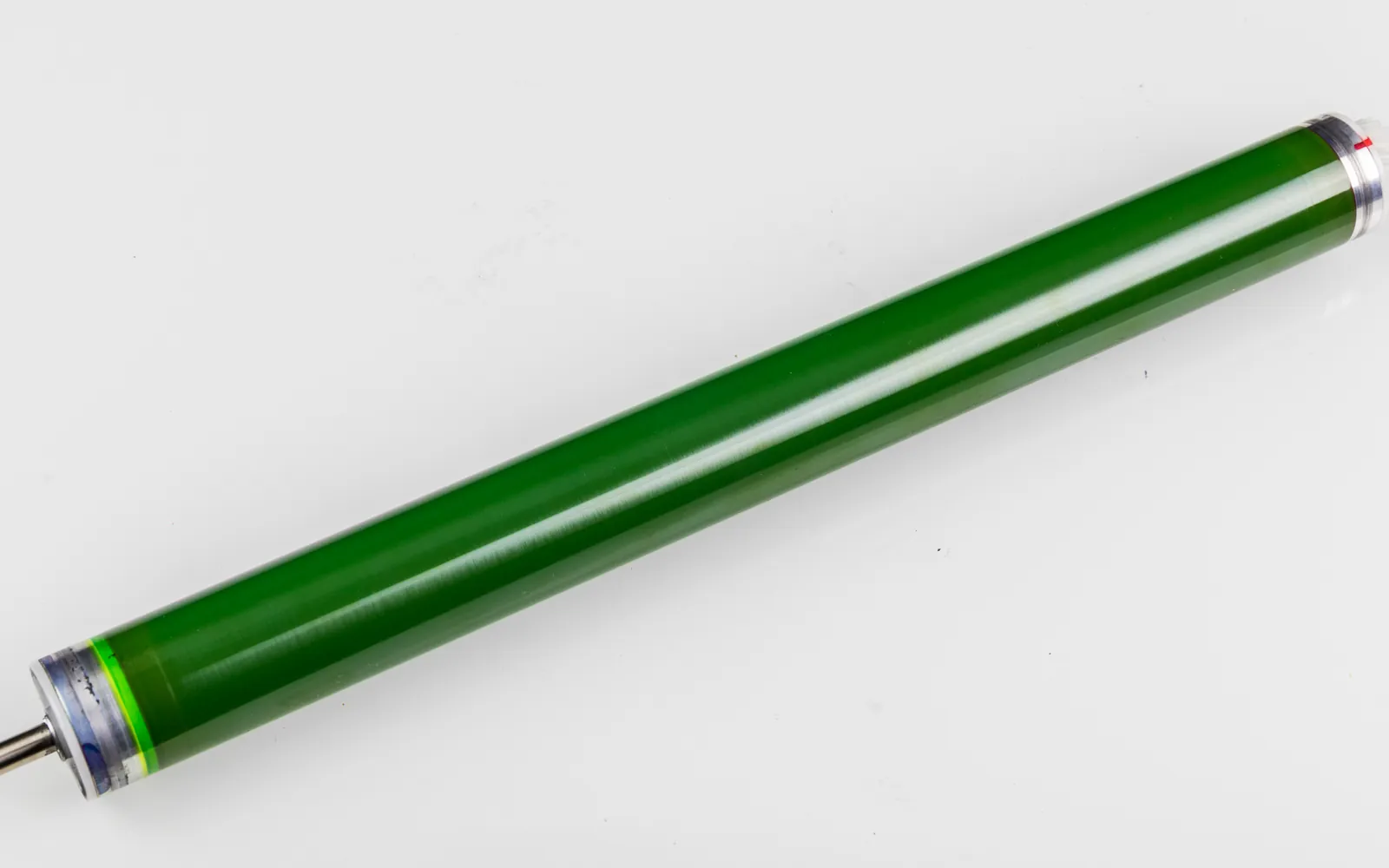
- Do not touch the drum surface (on some cartridges a green roller) and never turn it by hand.
- Keep the cartridge out of light for no more than a few minutes.
- If toner gets on clothing, wipe it off with a dry cloth and wash in cold water; hot water sets it.
When redistributing no longer gives acceptable pages, replace the cartridge.
Toner life vs drum life
On some printers the toner cartridge includes the drum (the light-sensitive roller that transfers the image), so both are replaced together. On many others, the drum is a separate unit with its own rated life, often lasting through several toner cartridges. The ISO toner yield standards cover both kinds of cartridge, with or without the drum built in.
If your printer asks for a new drum while the toner is still fine, or prints faint repeated marks down the page even with new toner, the drum may be at the end of its life. Check the maker’s supplies page for the drum’s rated life and include it when you work out printer cost per page. Our guide to toner vs drum unit explains the difference in more detail.
Recycling used toner
Do not throw empty toner cartridges in household rubbish. Several makers run take-back programmes for their own cartridges:
- HP Planet Partners accepts nearly every Original HP cartridge and Samsung toner cartridge, with free drop-off and prepaid mail-back options; availability varies by country.
- Brother in the United States offers a free prepaid return label for empty Brother supplies, including toner and drums.
Programmes differ by country and usually accept only the maker’s own cartridges, so check the recycling page for your brand and region. For general advice that also covers ink, see how to recycle ink cartridges.
Is a laser the right choice if you print rarely?
Toner’s long shelf life is the main reason people who print irregularly choose a laser: there are no nozzles to dry out between jobs. If most of what you print is black text, a monochrome model is often the simplest option; see is a monochrome laser printer worth it. Students who print essays in bursts around deadlines are a typical case; our guide to the best printer for college students covers what else they need. One trade-off is power: lasers draw hundreds of watts while printing, so keep sleep settings on. Our worked examples in how much electricity a printer uses show that sleep mode decides most of a home laser’s monthly use.
The short answer
In use, toner lasts as many pages as its ISO yield says, minus whatever extra your heavier pages consume. On the shelf, a sealed cartridge stored flat, dark and within the maker’s temperature and humidity limits keeps well; check the box for any date. When the printer says toner is low, order a spare, rock the cartridge gently when prints fade, and recycle the empty through the maker’s scheme.
Frequently asked questions
How long does a toner cartridge last?
Toner is rated in pages, not months. Check the maker's stated page yield, measured with ISO/IEC 19752 for black or ISO/IEC 19798 for colour, then divide by the pages you print per month. Pages with heavy coverage use more toner, so your real count may be lower.
Does toner expire if unopened?
Toner does not dry out like liquid ink, but makers advise keeping cartridges sealed in their original packaging until installation and storing them within set temperature and humidity limits. Some print a date on the box. Opening the package long before use can shorten the cartridge's useful life.
Should I shake a toner cartridge when it says low?
Many laser printer manuals say you can temporarily improve print quality by gently rocking the cartridge to redistribute the remaining toner. Follow the steps for your model, rock rather than shake hard, and keep a replacement ready.
Is the drum the same as the toner?
Not always. Some cartridges include the drum, so you replace both together. Other printers use a separate drum unit that lasts several toner cartridges and is replaced on its own when the printer asks.
What do I do with an empty toner cartridge?
Return it through the maker's take-back programme if one exists in your country. Several makers offer free drop-off or prepaid return labels for their own cartridges.
Sources
- ISO/IEC 19752, toner cartridge yield for monochrome printers
- ISO/IEC 19798, toner cartridge yield for colour printers
- HP-hosted Samsung printer manual: storing toner cartridges
- HP-hosted Samsung printer manual: redistributing toner
- HP: ink and toner cartridge recycling (HP Planet Partners)
- Brother USA: supplies recycling
Editorial team
The Printer Co editorial team researches and writes independent guides to home printers, ink and printing costs, using manufacturer documentation, standards bodies and consumer-protection sources.