Ink and toner
How Long Does Printer Ink Last? Shelf Life and Storage
Written by Printer Co editorial team · Updated
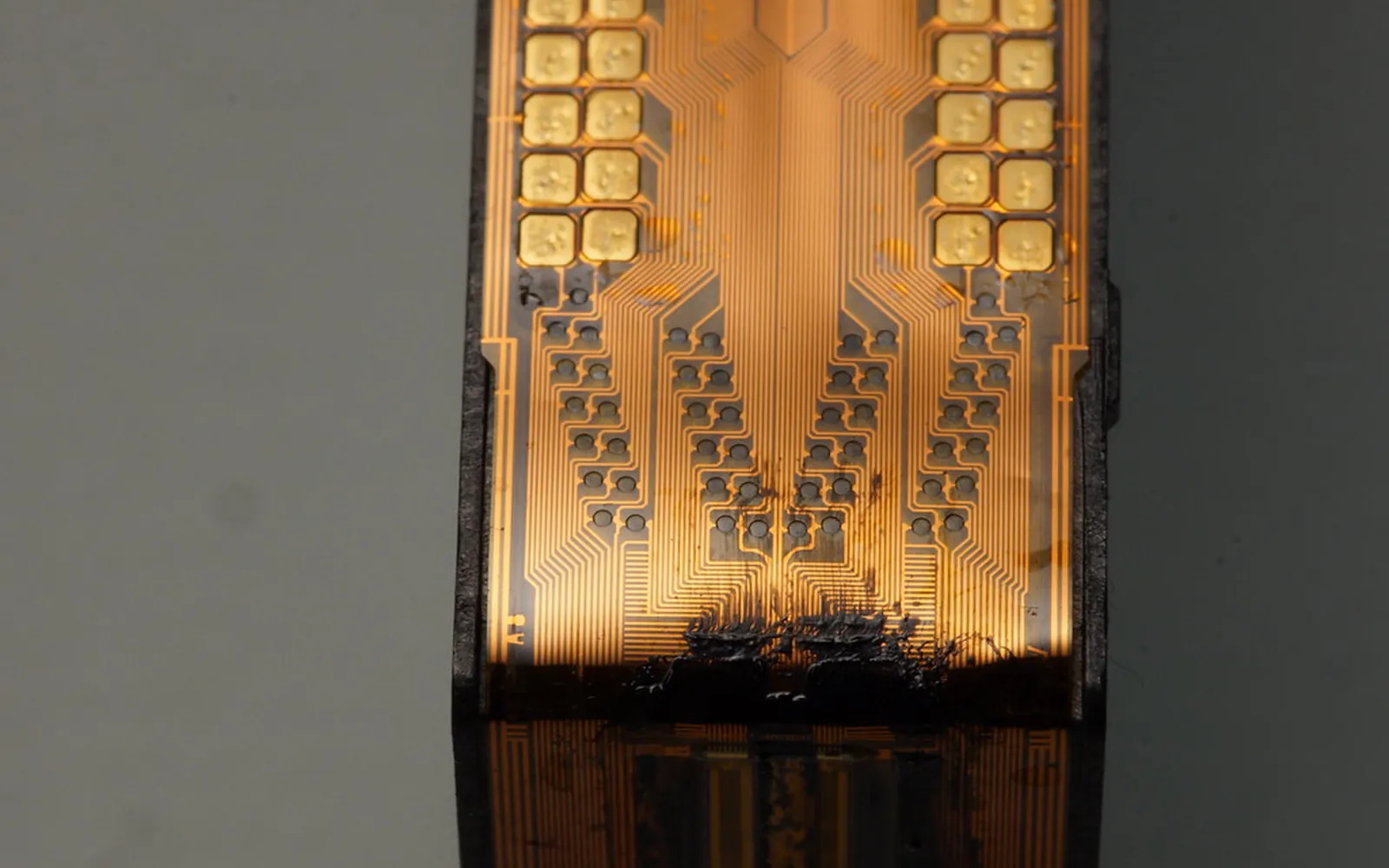
How long does printer ink last depends on two separate clocks. The first starts when the cartridge is made and runs while it sits sealed in a drawer. The second starts when you open it and click it into the printer. Makers publish guidance for both, and it is more consistent than you might expect. This guide sets out what HP, Epson, Canon and Brother actually say, and how to make your ink last as long as it can.
The short answer
- Sealed cartridge: use it before the date printed on the package. HP’s guide says genuine HP cartridges typically last 18 to 24 months when stored under recommended conditions.
- Installed cartridge: Epson and Brother say to use a cartridge within six months of installing it, and Canon’s PRO-200S manual says six months from first use. HP’s guide gives a usable life of 3 to 12 months, depending on how often you print.
- Idle printer: the risk is not the ink going off in the cartridge, but ink drying in the print head nozzles. Regular printing is the best protection.
These figures are for best print quality, not a hard cut-off. A cartridge does not stop working on the day after its date, but the odds of faded colours, streaks and clogs rise.
Unopened cartridges and the date on the box
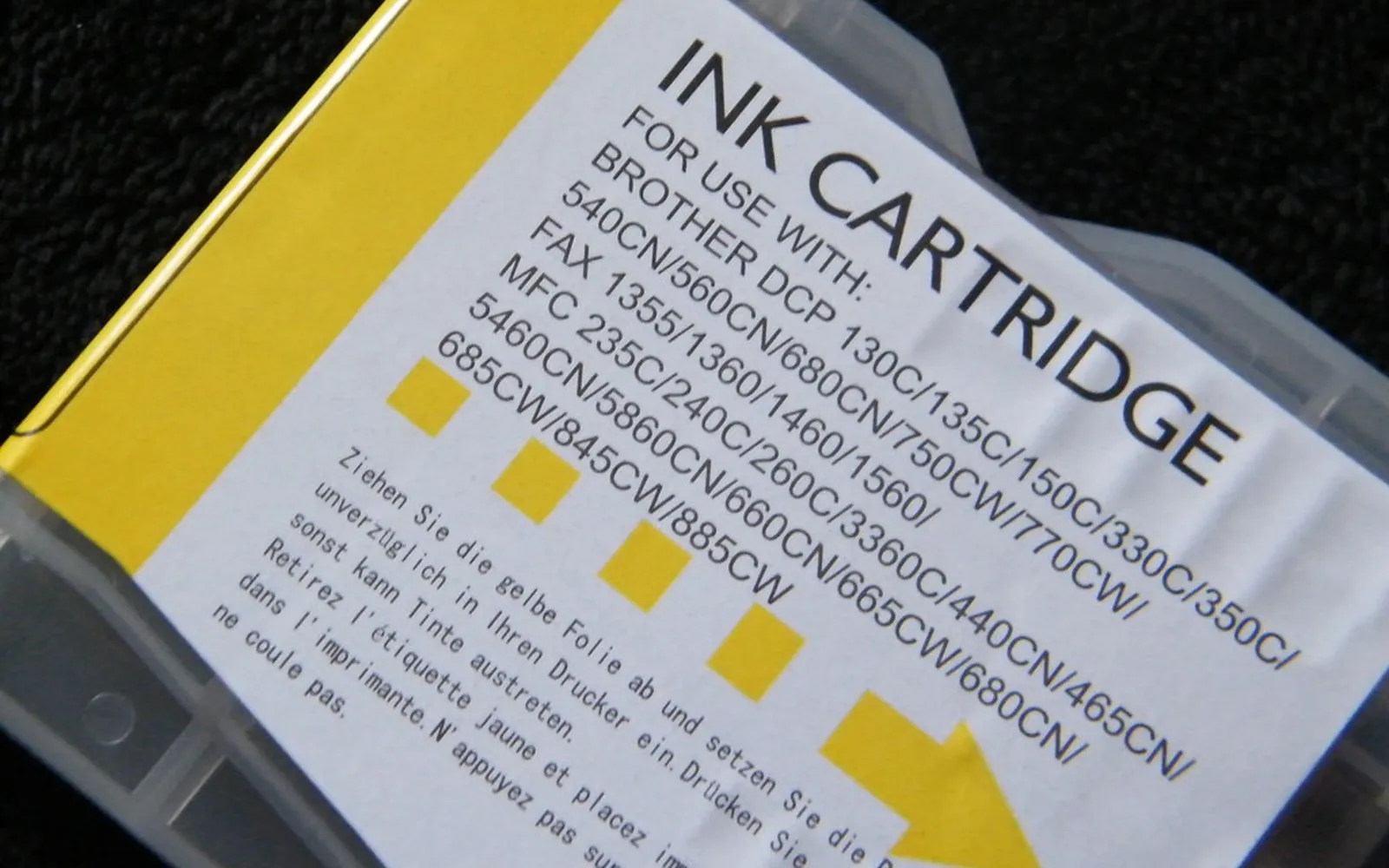
Every major brand prints a date on its cartridge packaging. The label varies: you may see “use by”, “install by”, “expiration” or, on some HP products, a warranty end date. HP’s guide says its date appears on the side or bottom of the package and on the cartridge itself. Read the exact wording on your box, because a warranty date and a quality date are not the same promise.
What the makers say about unopened stock:
- Epson says not to use an unopened cartridge if the date on the package has expired, and to store unused cartridges in a cool, dark place.
- Brother, in its user guides, says to use unopened cartridges by the expiration date written on the package.
- HP says shelf life depends on temperature, humidity, sunlight and whether the cartridge stays in its sealed packaging, and recommends keeping it sealed until you install it.
The practical rule: buy spare cartridges for the next few months, not the next few years. A multipack that looks cheap per cartridge is no bargain if the last two expire before you need them. The same thinking applies to XL cartridges: more ink per cartridge only saves money if you use it up in time.
Installed cartridges in a printer you rarely use
Once a cartridge is open and in the printer, its ink is exposed to air at the nozzles. That is why makers set a second, shorter limit:
- Epson: for best results, use cartridges within six months of installation. Epson adds that you may need to replace a cartridge more than six months old if prints still look poor after cleaning and aligning the print head.
- Brother: once you open a cartridge, install it and use it up within six months of installation.
- Canon: the PRO-200S manual says to use an ink tank within six months of first use. Check your own Canon manual, as wording varies by model.
- HP: its guide says installed ink has a usable life of 3 to 12 months depending on print frequency.
If you print a few pages a month, you may never reach the end of a standard cartridge inside six months. That is a sign the printer type may not suit you. Laser toner is a dry powder that does not dry out, as covered in how long toner lasts, and our laser vs inkjet guide explains when that trade-off makes sense.
Why ink dries, and what it costs you
Inkjet ink is a liquid designed to dry quickly on paper. The same property works against you inside the printer. When the printer sits idle, ink at the nozzle openings can thicken and dry, partly blocking them. You see the result as missing lines, banding or a colour that has vanished from a print, even though the printer says the cartridge is full.
The printer fights this with cleaning cycles. Canon’s manuals explain that the printer cleans itself automatically according to its condition, that cleaning consumes a small amount of ink, and that all colours may be used. So a printer that is rarely used still spends ink, just not on paper. If you are already seeing streaks, our guide to print head clogging covers nozzle checks and cleaning step by step.
How often to print to keep an inkjet healthy
HP’s guide recommends printing at least one page every one to two weeks, even a test page or a small colour swatch. A sensible routine for an occasional user:
- Print something with colour once a week or two. A page with a little of each colour exercises every nozzle. A black-only document leaves the colour nozzles idle.
- Switch off with the power button, never at the wall. Canon’s manuals explain that the printer caps the print head when you turn it off with the ON button, and that unplugging it before the lamp goes out leaves the head uncapped, which can cause drying or clogging. Canon also recommends using the printer at least once a month.
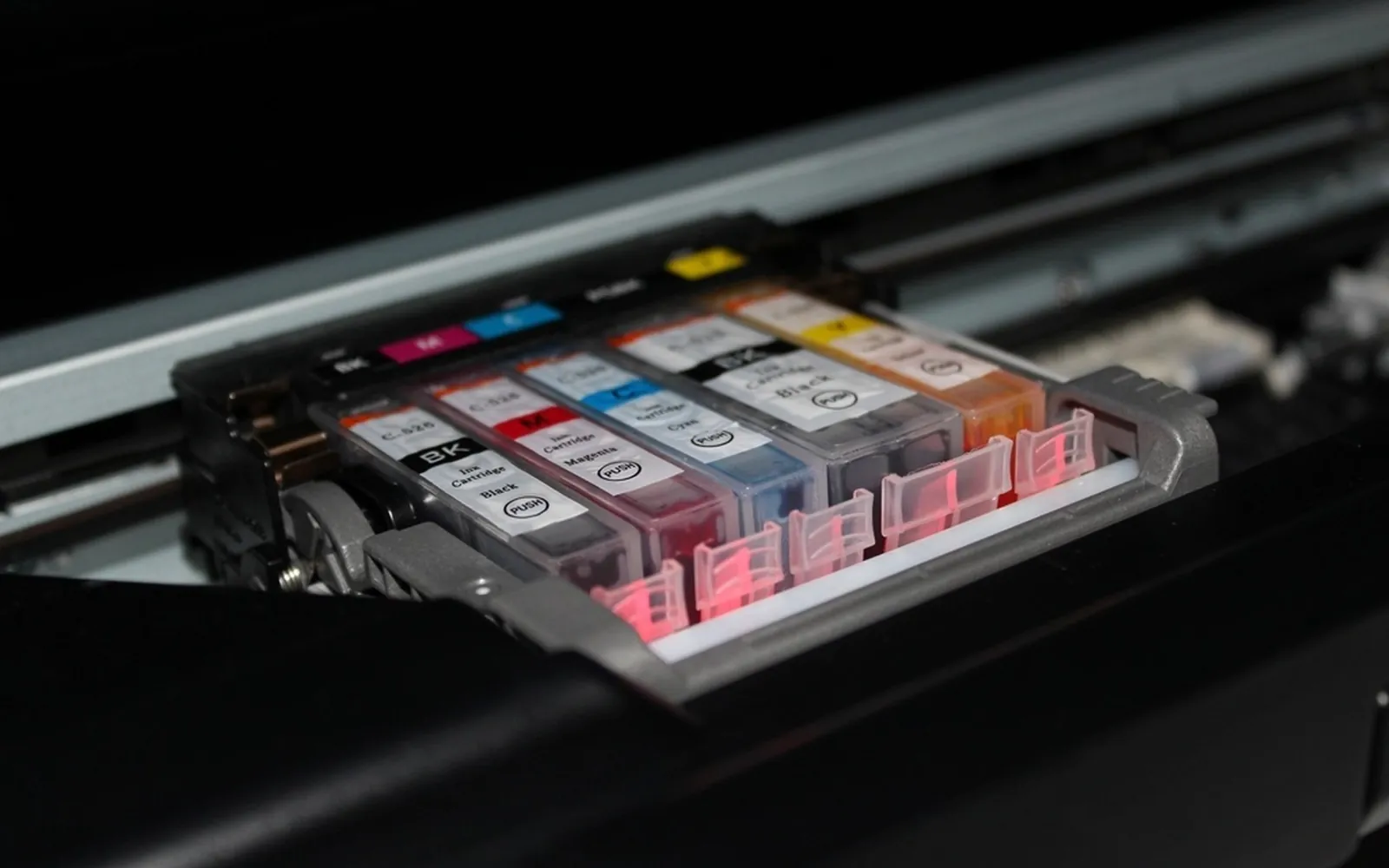
- Keep cartridges in the printer. HP advises leaving them installed. Canon warns not to remove an installed tank and leave it out, because it will dry and may not work when reinstalled. Brother says not to take cartridges out unless you are replacing them.
- Run a nozzle check before an important job, not a cleaning cycle by default. Clean only if the check shows gaps, because each cycle uses ink.
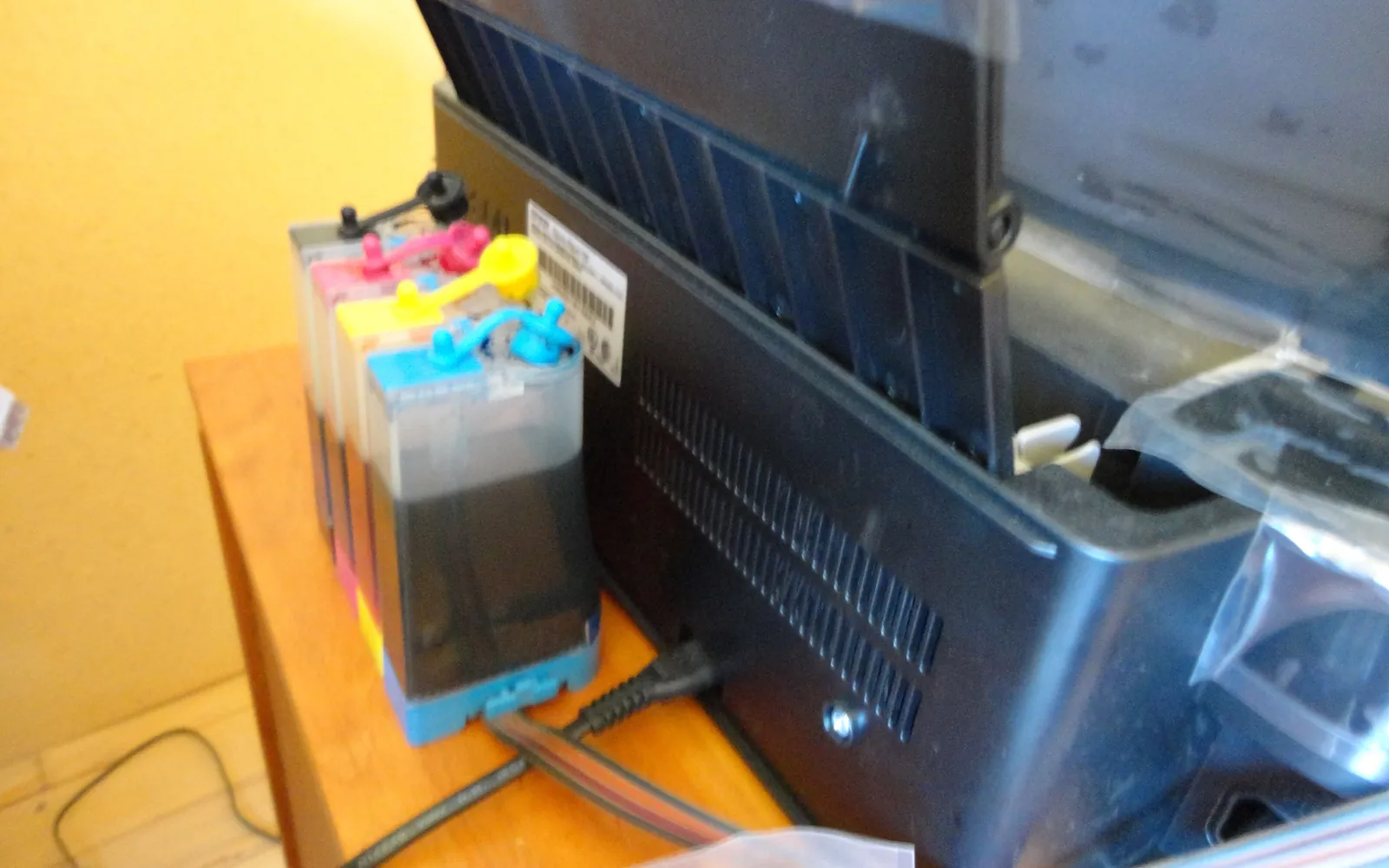
If even this routine feels like a chore, consider an ink tank printer, which HP’s guide notes uses sealed reservoirs that limit evaporation, or a laser printer.
How to store spare cartridges
Storage advice from the makers lines up closely:
- Keep them sealed in the original packaging until you are ready to install.
- Cool, dark and dry. HP’s guide gives a storage range of 0°C to 35°C (32°F to 95°F), away from direct sunlight. Epson’s European support FAQ lists a storage range of -20°C to 40°C, with no more than a month at 40°C, and points you to your own user guide for model-specific limits.
- Store them the right way up. Epson says to store cartridges with the label facing up, not upside down.
- Let cold cartridges warm up. Epson says to let a cartridge brought in from cold storage warm to room temperature for at least three hours before use.
- Avoid hot cars, sunny windowsills and the space above a radiator.
- Do not shake cartridges unless told to. Brother’s guide, for example, says not to shake them, with a specific exception for the black cartridge on that model.
Write the purchase month on each box. When you need ink, use the oldest first.
What to do with an expired cartridge
You have three sensible options:
- Try it, carefully. HP’s guide says an expired cartridge is not completely unusable but quality and reliability may decrease. Epson does not recommend using expired cartridges. If you try one, print on plain paper, run a nozzle check, and allow one cleaning cycle at most. If gaps remain, stop: more cleaning just burns ink.
- Read any message the printer shows. If it displays a warning when you install the cartridge, look up that exact message in your printer’s manual or on the maker’s support site before you dismiss it, so you know what the printer will and will not do.
- Recycle it. An expired or dried cartridge still has value to recyclers and remanufacturers. See how to recycle ink cartridges for take-back programmes and drop-off options.
Do not refill or open a dried cartridge to revive it; Brother, for example, warns that tampering can cause leaks.
If the print head is already clogged or misaligned
If ink has dried in a printer you have not used for a while, start with a nozzle check and one cleaning cycle, then check again; repeated cleaning in a row uses a lot of ink. Once all lines print, jagged lines or blurry text point to alignment rather than clogging; see how to align print head. If you are tempted to refill a dried cartridge instead of replacing it, read how to refill ink cartridges first: a cartridge that sat empty is a poor candidate.
Decision rules
- You print weekly: standard or XL cartridges are fine; just buy spares no more than a few months ahead.
- You print monthly: print a test page every week or two, buy single cartridges rather than multipacks, and do not stockpile.
- You print a few times a year: an inkjet will keep wasting ink on cleaning. A laser printer, or an ink tank model you run regularly, will cost you less frustration.
Whatever you choose, the date on the box and your manual’s six-month guidance are the two numbers worth checking before you buy more ink.
Frequently asked questions
How long does an unopened ink cartridge last?
Until the date printed on the package. HP's guide says genuine HP cartridges typically last 18 to 24 months when stored properly. Epson tells you not to use an unopened cartridge once the date on its package has passed.
How long does ink last once the cartridge is installed?
Epson and Brother manuals say to use a cartridge within six months of installing it, and some Canon manuals say six months from first use. HP's guide gives a range of 3 to 12 months depending on how often you print.
Can I still use an expired ink cartridge?
It may still print, but quality and reliability can drop, and Epson does not recommend it. Try it on plain paper, run a nozzle check, and replace it if lines are missing after a cleaning cycle or two.
Does ink dry out if I don't print?
Yes. Ink sitting in the print head nozzles can dry and clog them. HP's guide recommends printing at least one page every one to two weeks to keep ink moving.
Where is the expiry date on an ink cartridge?
On the box and often on the cartridge label. HP says its date is on the side or bottom of the package and on the cartridge. The wording varies: you may see use by, install by, expiration or a warranty end date.
Sources
- HP Tech Takes: How long does printer ink last?
- Epson support: Can I use an expired ink cartridge in my printer?
- Epson Europe support: How should I store the ink cartridges for my printer?
- Canon PRO-200S series online manual: Replacing Ink Tanks
- Canon GX7000 series online manual: Keeping Print Quality High
- Canon TR7500 series online manual: Ink Tips
- Brother DCP-J772DW online user's guide: Replace the ink cartridges
Editorial team
The Printer Co editorial team researches and writes independent guides to home printers, ink and printing costs, using manufacturer documentation, standards bodies and consumer-protection sources.