Ink and toner
How to Refill Ink Cartridges Safely, and When Not To
Written by Printer Co editorial team · Updated
If you have searched for how to refill ink cartridges, you are probably looking at the price of a new set and wondering whether a bottle of ink and a syringe could do the same job. Sometimes it can. Refilling is legal, kits are widely sold, and some cartridges take it well. But refilled cartridges fail more often than new ones, the printer may not recognise them properly, and ink gets everywhere if you rush. Here is how to decide whether to try, how to do it carefully, and what the alternatives are.
First: which kind of cartridge do you have?
Home inkjet cartridges come in two broad designs, and they behave differently when refilled.
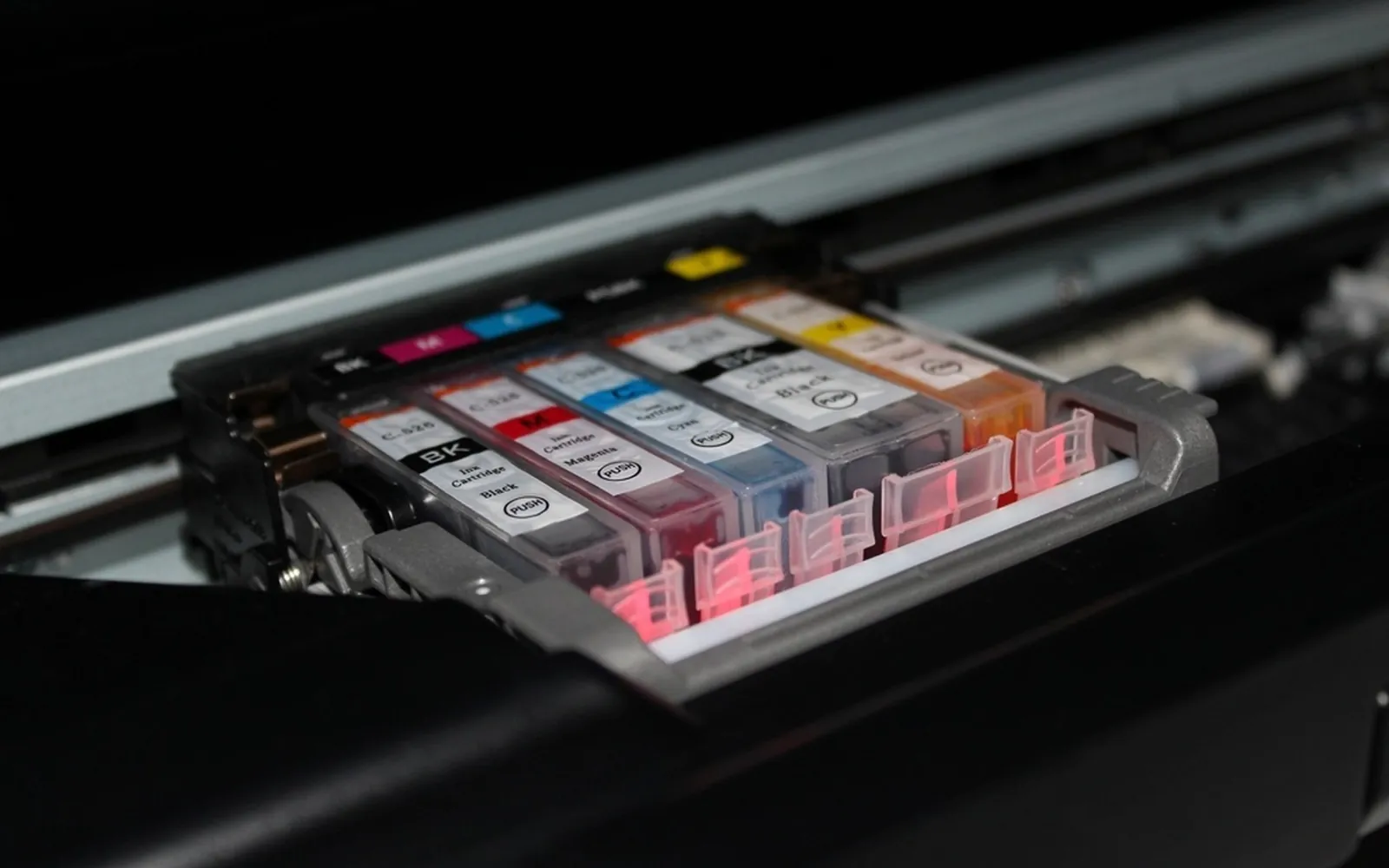
Cartridges with a built-in print head. Many low-cost printers use a cartridge that contains both the ink and the tiny nozzles that fire it. Canon calls these FINE cartridges, and many entry-level HP printers use a similar design. Because the head is replaced with every cartridge, a dried or damaged head is not fatal to the printer, but the head itself wears and clogs. Refilling this type can work a few times; eventually the nozzles stop firing cleanly.
Ink-only cartridges. Other printers keep the print head in the printer and use simple ink tanks, often one per colour, with a chip on the side. The cartridge is easier to fill, but the chip may report it as empty after refilling, and a problem with the ink affects the printer’s permanent head rather than a disposable one. Our guide to print head clogging explains why that matters.
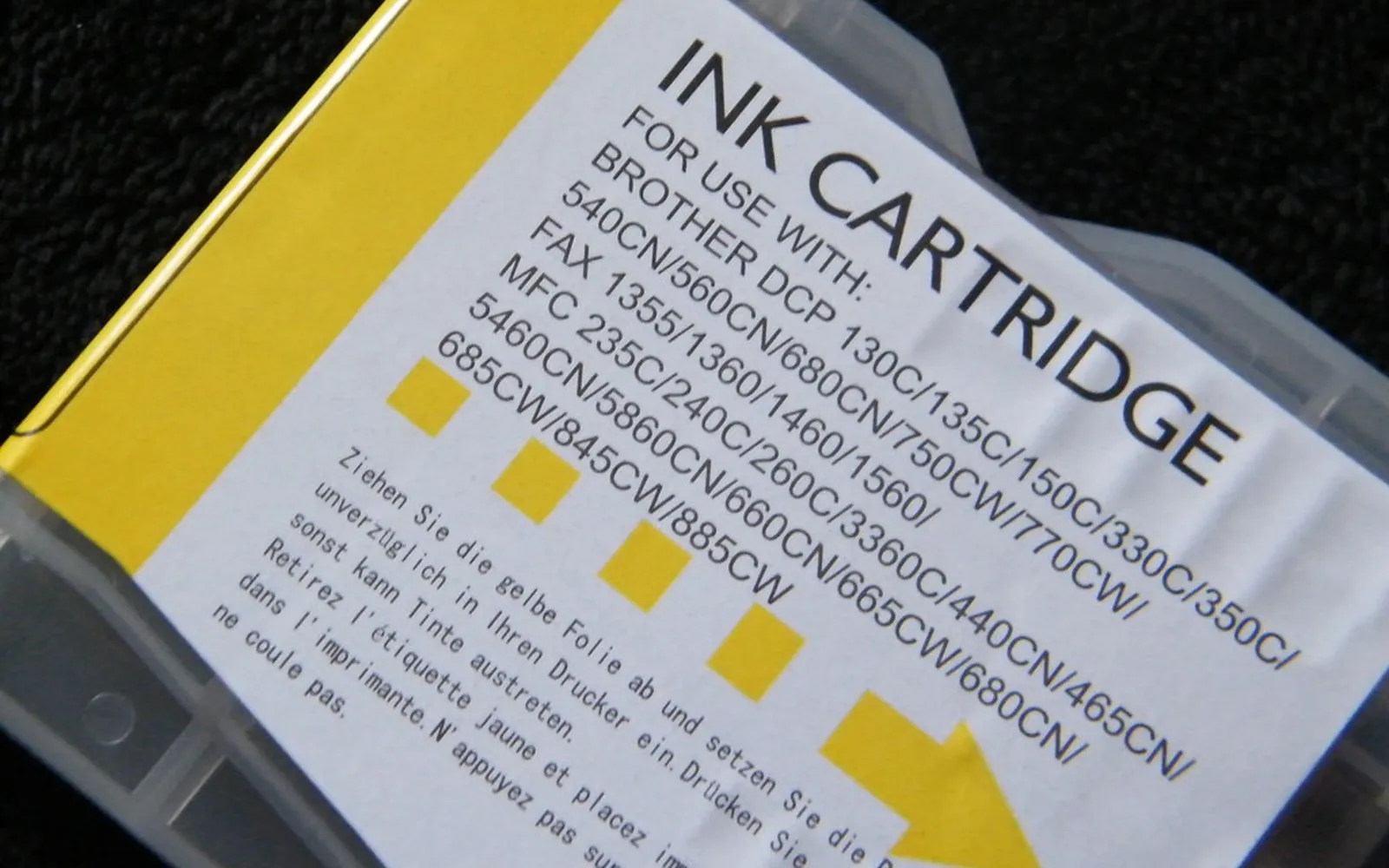
Whichever kind you have, the cartridge must be the exact number a kit lists. A kit “for most cartridges” usually means you will be improvising.
The honest risks
- The printer may not see the ink. Canon’s TS3300 manual says to use a new cartridge for replacement, warns that installing a used one may cause the nozzles to clog, and adds that with such a cartridge the printer will not be able to tell you properly when to replace it. Expect missing or wrong ink level readings.
- Clogs and streaks. Air bubbles, dried ink left in the cartridge, or ink of the wrong type can block nozzles. Refill soon after a cartridge runs low, not after it has sat empty for weeks.
- Mixed colours. Injecting yellow into the cyan chamber ruins a colour cartridge. A tri-colour cartridge holds three inks in separate chambers under one lid; the kit should show which hole is which.
- Leaks. Overfilling forces ink out of the nozzles or vent. Ink stains clothes, carpets and the inside of the printer.
- Quality. Refill ink is not the same formula as the original. Colours, drying time and fade resistance can differ, which matters more for photos than for letters. See pigment vs dye ink for why ink chemistry affects durability.
What refilling means for your warranty
In the United States, the FTC explains that under the Magnuson-Moss Warranty Act a manufacturer generally cannot make your warranty depend on using its own brand of supplies, unless it provides them free (16 CFR 700.10). So using refilled ink is not, by itself, a reason to void a printer warranty. However, if refill ink or a leak damages the printer, the maker does not have to repair that damage for free. Outside the US, check your local consumer law and the warranty terms. Our page on third-party printer ink covers this in more detail.
How to refill an ink cartridge, step by step
These steps follow the pattern most home kits use. Your kit’s own instructions come first, because fill points differ between cartridges.
- Gather what you need. The kit (ink, syringes, blunt needles, sometimes a clip or drill tool), disposable gloves, plenty of paper towels and a tray or old newspaper.
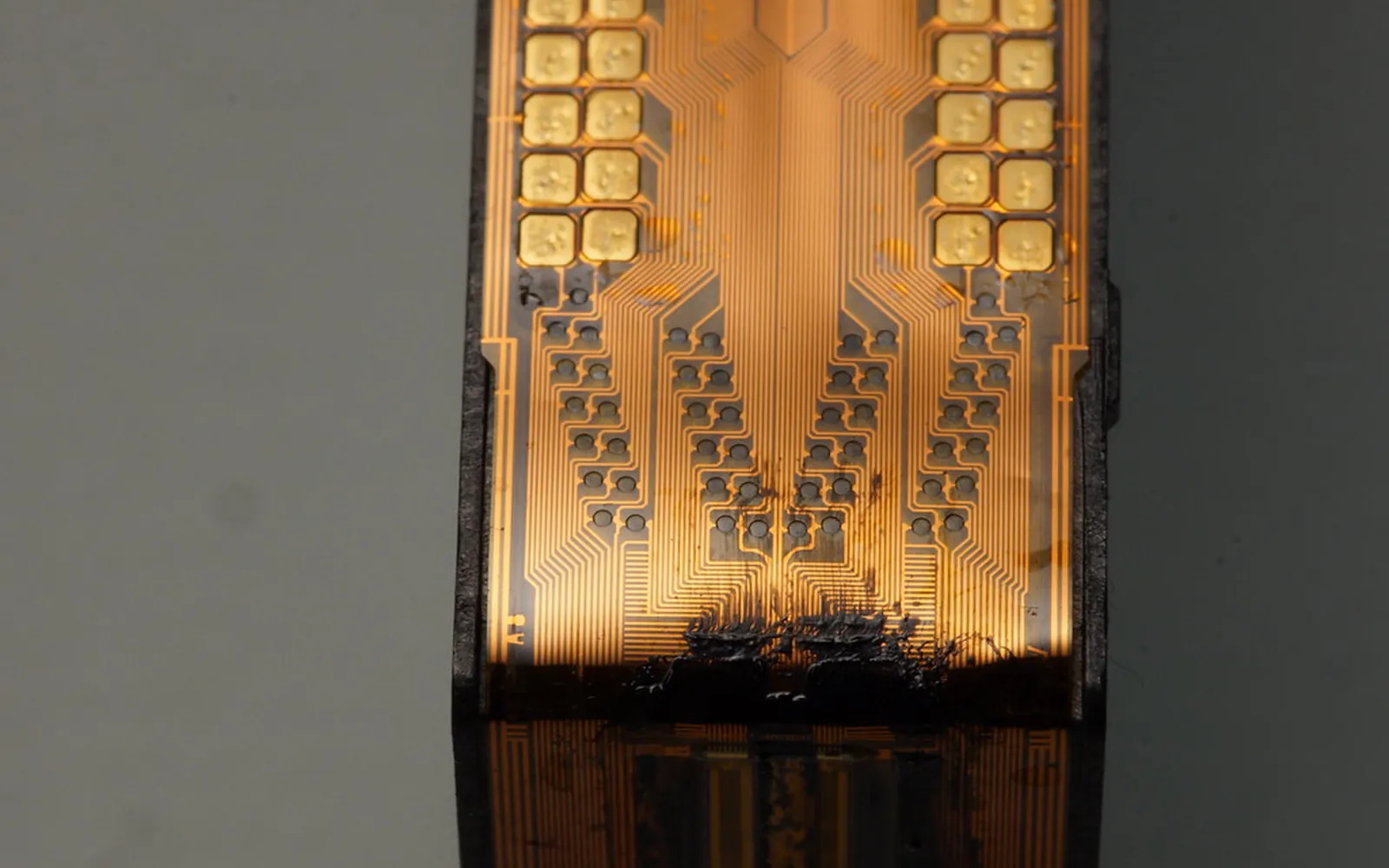
- Remove the cartridge as your printer manual shows, and put it nozzle-side up on a folded paper towel. Do not touch the nozzles or the gold electrical contacts.
- Find the fill point. Some cartridges have a vent hole under the label; others need a small hole made in a marked spot. The kit should show exactly where.
- Fill slowly. Draw ink into the syringe, insert the needle to the depth the kit says and push gently. Fast filling makes bubbles and overflows. Stop as soon as ink appears at the fill hole or the kit’s maximum amount is reached. Use a separate syringe for each colour.
- Seal it. Cover the hole with the tape or plug provided, if the kit says to.
- Clean and settle. Wipe the outside, then hold a clean paper towel against the nozzles for a moment until a little ink wicks out evenly. Let the cartridge rest upright for as long as the kit suggests.
- Install and test. Put the cartridge back. If the printer warns about a non-genuine or used cartridge, read the message, then confirm if you want to continue. Print a nozzle check pattern. If lines are missing, run one cleaning cycle and check again, rather than many cycles in a row, which use a lot of ink.
Wash spills with cold water quickly. Keep ink bottles closed, upright and away from children; Canon’s notes on its own ink bottles also say not to drink ink, not to mix it with water or other ink, and not to move it into other containers.
When refilling is not worth it
- The printer is still under warranty and you rely on it.
- You print mostly photos to keep or sell.
- Your cartridges have chips that cannot be reset and you need accurate ink warnings.
- You print rarely. Ink left in a refilled cartridge can dry out before you use it, just as it does in a new one; see how long printer ink lasts.
Cheaper alternatives to doing it yourself
- Refill shops fill and test cartridges for you.
- Remanufactured cartridges are used originals that a company has cleaned, refilled and tested, often with a guarantee.
- XL cartridges lower the cost per page with the original ink; see are XL ink cartridges worth it.
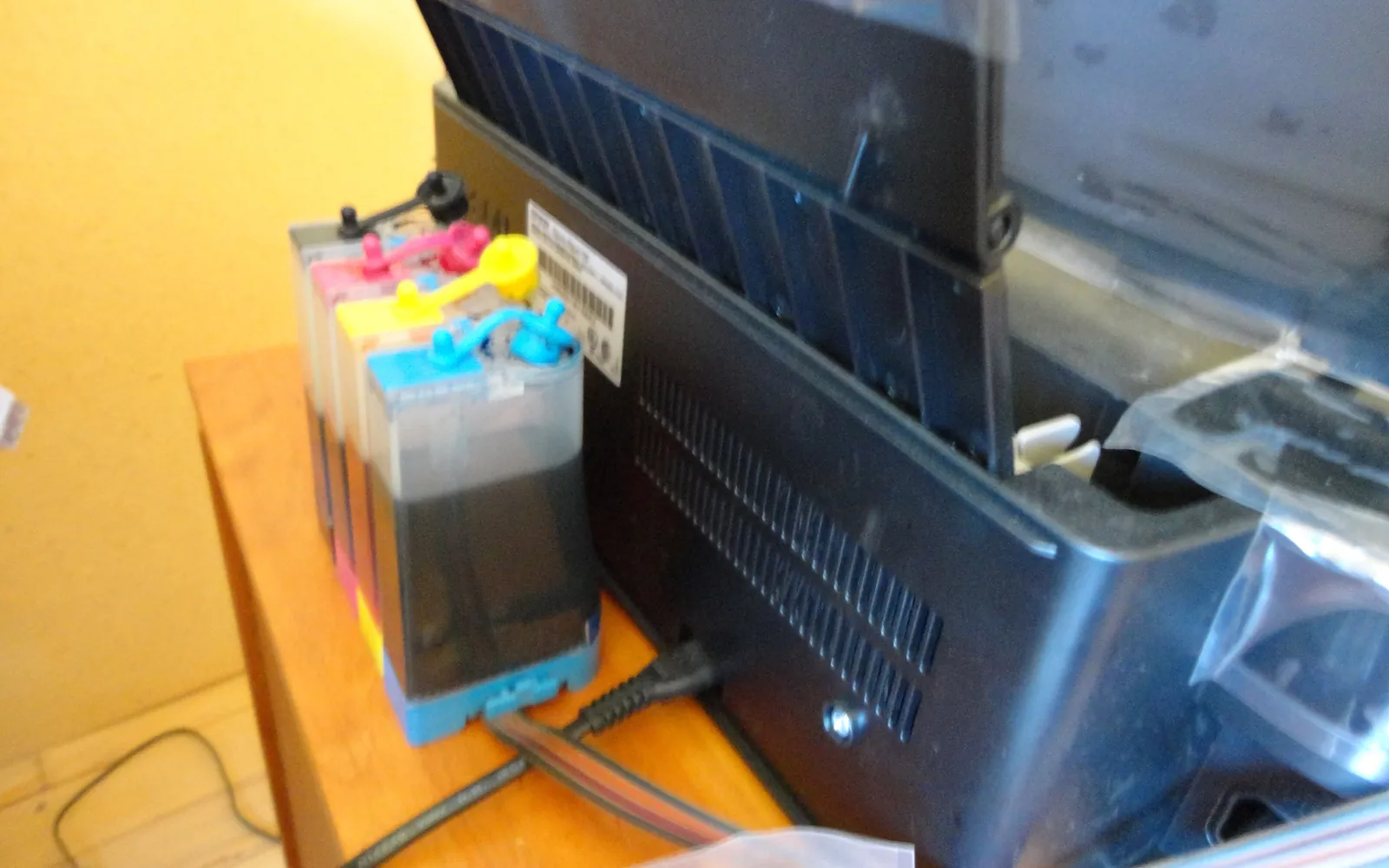
- An ink tank printer is built to be refilled. Canon’s GX7000 manual, for example, has you push a colour-matched bottle into each tank’s inlet and stop at the upper line, with no syringes or holes. If you are spending a lot on cartridges, compare ink tank vs cartridge printers.
Ink gauges after a refill
Expect the printer’s ink level display to be wrong once you refill. Many printers estimate the level by counting how much ink they have used since a new cartridge went in, so they cannot see ink you add. Canon’s manuals say that if a used cartridge is installed, the level shown may not be correct and should be treated only as a guide. In practice you judge a refilled cartridge by its prints: when text starts to fade or a colour drops out, refill again. If the printer shows plenty of ink but lines are missing, the cause is more likely a clogged or misaligned head; see how to check ink levels for what each warning means.
Buying refill ink for the right cartridge
Refill kits are sold by cartridge number, not by printer, so start with the exact number on the label of the cartridge you are refilling. If the label is worn, many printers can show it: Brother’s ink menu, for example, has an Ink Cartridge Model option that displays or prints the model numbers. Our guide which ink cartridge do I need explains how to avoid near-miss numbers.
Dispose of empties properly
Cartridges that will not take another refill should go to a cartridge recycling scheme, not the bin. HP and other makers run take-back programmes for their own cartridges, and many shops collect empties. See our guide to recycling ink cartridges.
Frequently asked questions
Can you refill any ink cartridge?
Not every cartridge is a good candidate. Cartridges that combine ink and print head can often be refilled a few times, but the head wears and clogs. Ink-only cartridges with a chip may refill fine but still show as empty. Check that a refill kit lists your exact cartridge number before you buy.
Why does my printer say the refilled cartridge is empty?
Many printers track ink use with a chip or counter, not by measuring the ink. After refilling, the printer may keep showing the old level or ask you to confirm you want to continue. Some kits include a chip resetter; otherwise follow the printer's prompt to keep printing, which usually disables the ink level display for that cartridge.
Does refilling ink cartridges void the warranty?
In the US, the Magnuson-Moss Warranty Act and the FTC's rules generally stop a maker from voiding a warranty just because you used non-branded or refilled ink, unless it provides that ink free. If the refill itself causes damage, though, the maker can refuse to fix that damage under warranty. Rules differ in other countries.
How many times can a cartridge be refilled?
There is no single figure. It depends on the cartridge design, how long it sat empty and how carefully it is refilled. A cartridge with a built-in head is worn out when nozzle checks keep showing gaps after cleaning.
Is a refill shop better than a home kit?
A shop that refills and tests cartridges avoids the mess and usually knows the quirks of common cartridges. It is not risk-free, but it is often easier than doing it yourself for the first time.
Sources
- Canon TS3300 series online manual: Replacing a FINE Cartridge
- Canon GX7000 series online manual: Refilling Ink Tanks
- FTC: Businessperson's Guide to Federal Warranty Law
- eCFR: 16 CFR 700.10, prohibition on tying warranty coverage to a brand (US)
- HP: Ink and toner cartridge recycling
- Canon TS3300 series online manual: Checking the Ink Status with the Ink Lamps
- Brother MFC-J4335DW online user's guide: Check the Ink Volume (Ink Cartridge Model option)
Editorial team
The Printer Co editorial team researches and writes independent guides to home printers, ink and printing costs, using manufacturer documentation, standards bodies and consumer-protection sources.